12
4.3.2 Charge the batteries
The UPS recharges its batteries whenever it is plugged into a working
outlet. Allow the UPS to charge its battery for at least 5 hours before use.
The UPS was shipped from the factory with the batteries fully charged, but
the batteries may lose some charge during shipping and storage. You may
use the UPS without charging, but the Low-Battery indicator may light and
backup time may be reduced until the batteries have charged.
4.4 Plug loads into UPS
Plug all loads to be protected into the UPS. Do not exceed the UPS’s
capacity as given in Section 9.3. Once switched on, the UPS monitors and
displays the size of the applied load when you press and hold the rear-
panel Test button (see Sec. 5.2).
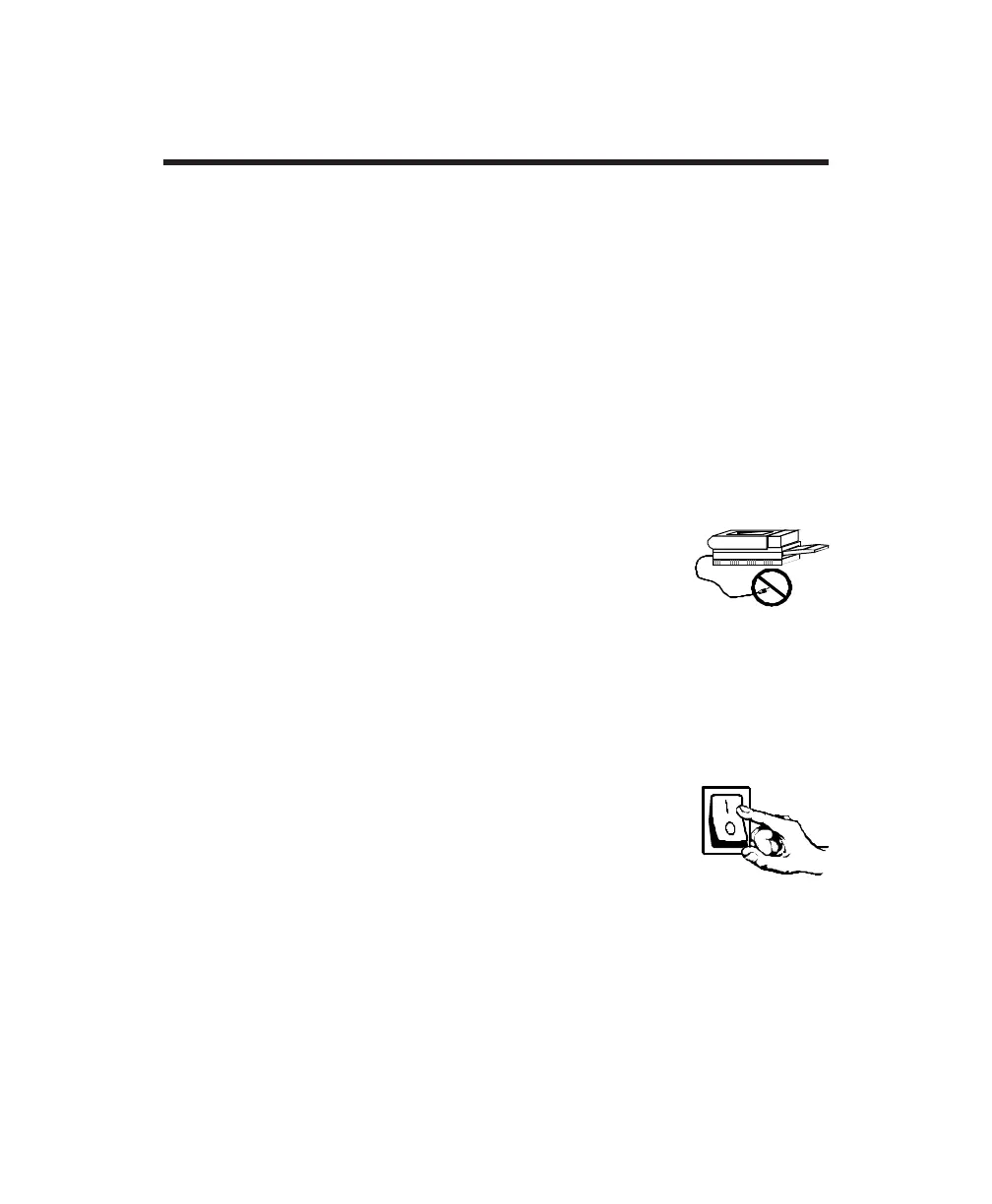
Note: Do not plug laser printers into this UPS. Laser printers
can draw a considerable amount of power, which reduces
the available backup time and, in some cases, causes the
UPS to signal an overload.
4.5 Switch on load equipment
Switch on the equipment connected to the UPS. If you leave the load
equipment switched on, you can use the UPS’s Enable switch as a master
system on/off switch.
4.6 Enable UPS
Move the UPS Enable switch to the on ( I ) position.
At power-up, the UPS initiates a battery self-test. During
the test, the UPS briefly operates the load from battery
power. This test function ensures that the UPS is working
properly and that its battery does not require replacement. If the battery is
too weak to support the load during the test, the UPS immediately returns
to on-line operation (the load is not affected). When the On Line indicator
stops blinking, the test is done.
4.0 Installation



 To Next Page