Controller Installation
007-5510-002 21
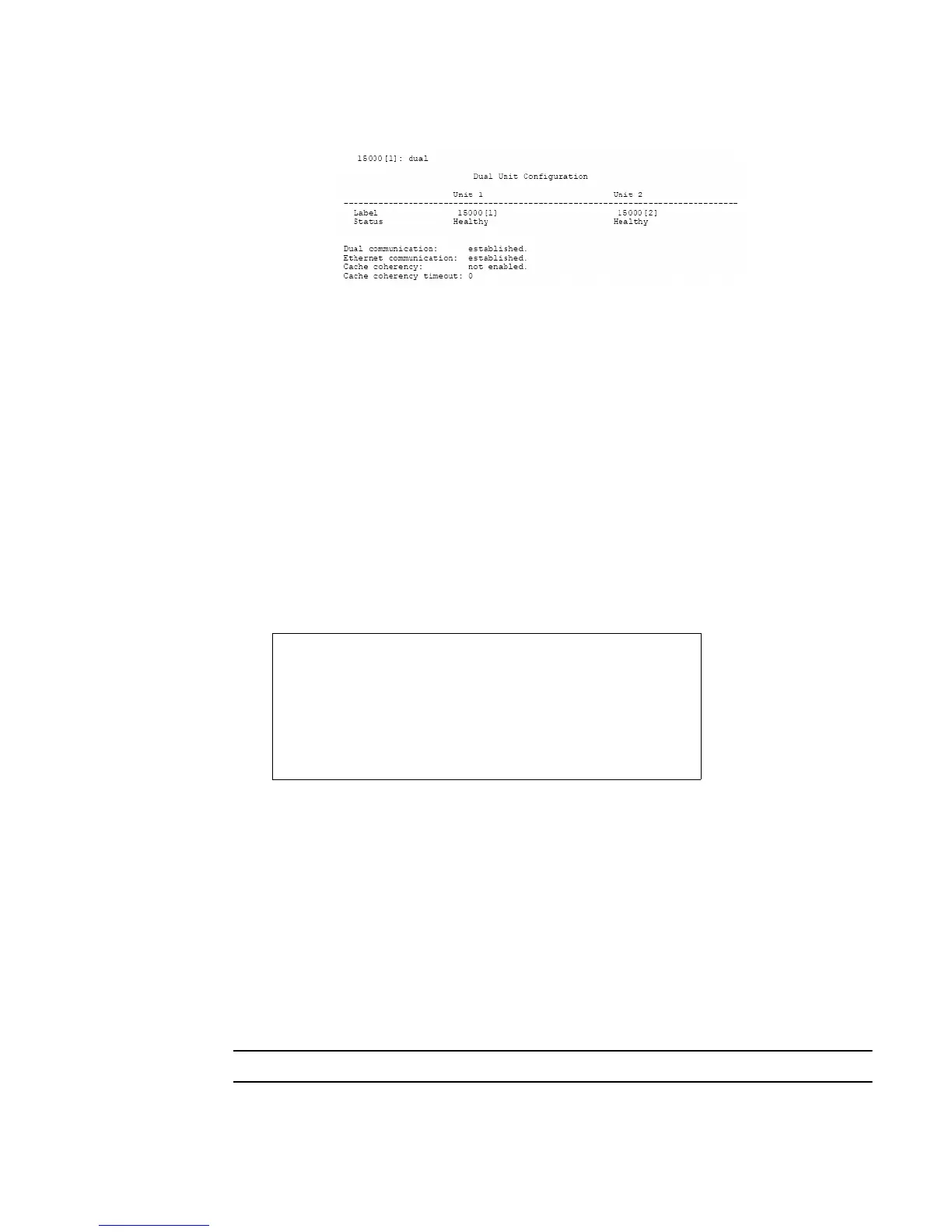
Figure 2–7 Dual Controller Configuration
If you require multi-pathing to the LUNs, enable cache coherency. If you do not require multi-pathing,
disable cache coherency.
To enable/disable the cache coherency function, enter the following (ON enables, OFF disables):
dual coherency=on|off
<Enter>
You may change the label assigned to each unit. This allows you to uniquely identify each unit in the
system. Each unit can have a label of up to 31 characters long.
1. To change the label, enter:
dual label
<Enter>
2. Select which unit you want to re-label (see Figure 2–8).
3. When prompted, type in the new label for the selected unit. The new name is displayed.
Figure 2–8 Labeling a Controller Unit
2.3.8 Configuring the Storage Arrays
When you have determined your array configuration, you need to create and format the LUNs. You have
the option of creating a 32-bit or a 64-bit address LUN.
In the example below, 2 LUNs (32-bit addressing) are created:
• LUN 0 on Tiers 1 to 8 with capacity of 8192MB each.
• LUN 1 on Tiers 1 and 2 with capacity of 8192MB each.
NOTE :
You may press e at any time to exit and cancel the command completely.
Enter the number of the Unit you wish to rename.
15000 [1]: dual label
LABEL=1 for Unit 1, Test System[1]
LABEL=2 for Unit 2, Test System[2]
Unit: 1
Enter a new label for Unit 1, or DEFAULT to return to the default label.
Up to 31 characters are permitted.
Current Unit name: Test System[1]
New Unit name: System[1]
15000 [1]:



 To Next Page