34 007-5510-002
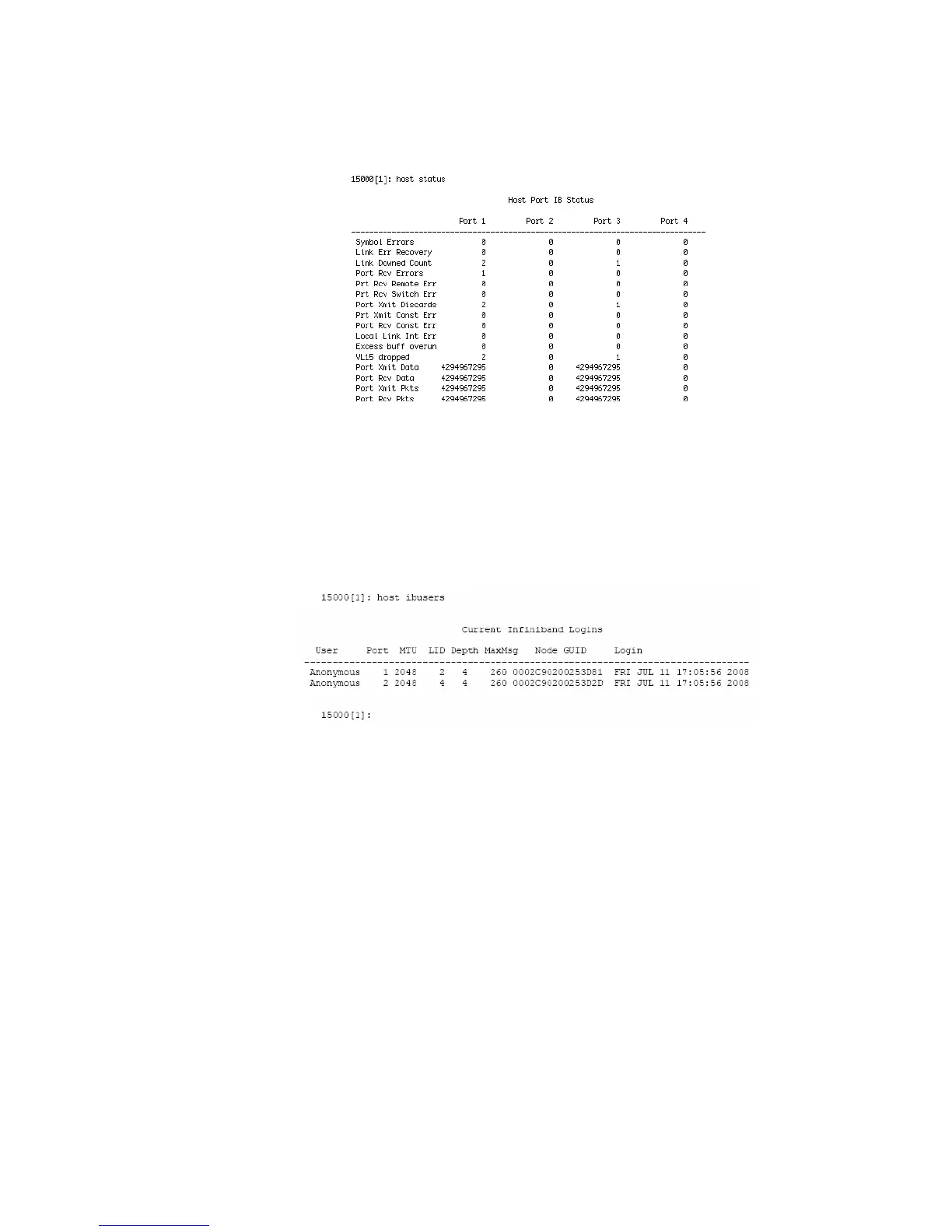
HOST STATUSCLEAR resets the error counts.
Figure 3–7 IB Host Ports Status Screen
3.2.1.3 Host IB Users
HOST ibusers displays additional information on the Infiniband (IB) users logged into the controller.
(Figure 3–8).
Figure 3–8 Host IB Users Screen
3.2.1.4 Host Port Speed
HOST SPEED lets you display and change the port speed on the host port(s). You are prompted for the
desired speed as well as for the choice of host port(s).
3.2.2 Configure and Monitor Status of Storage Assets
Disk and Channel Information
The DISK command displays the current disk configuration and the status of the ten disk channels
(ABCDEFGHPS) on the controller (Figure 3–9).



 To Next Page