68 007-5510-002
TIER VERIFY Displays a summary of verifications.
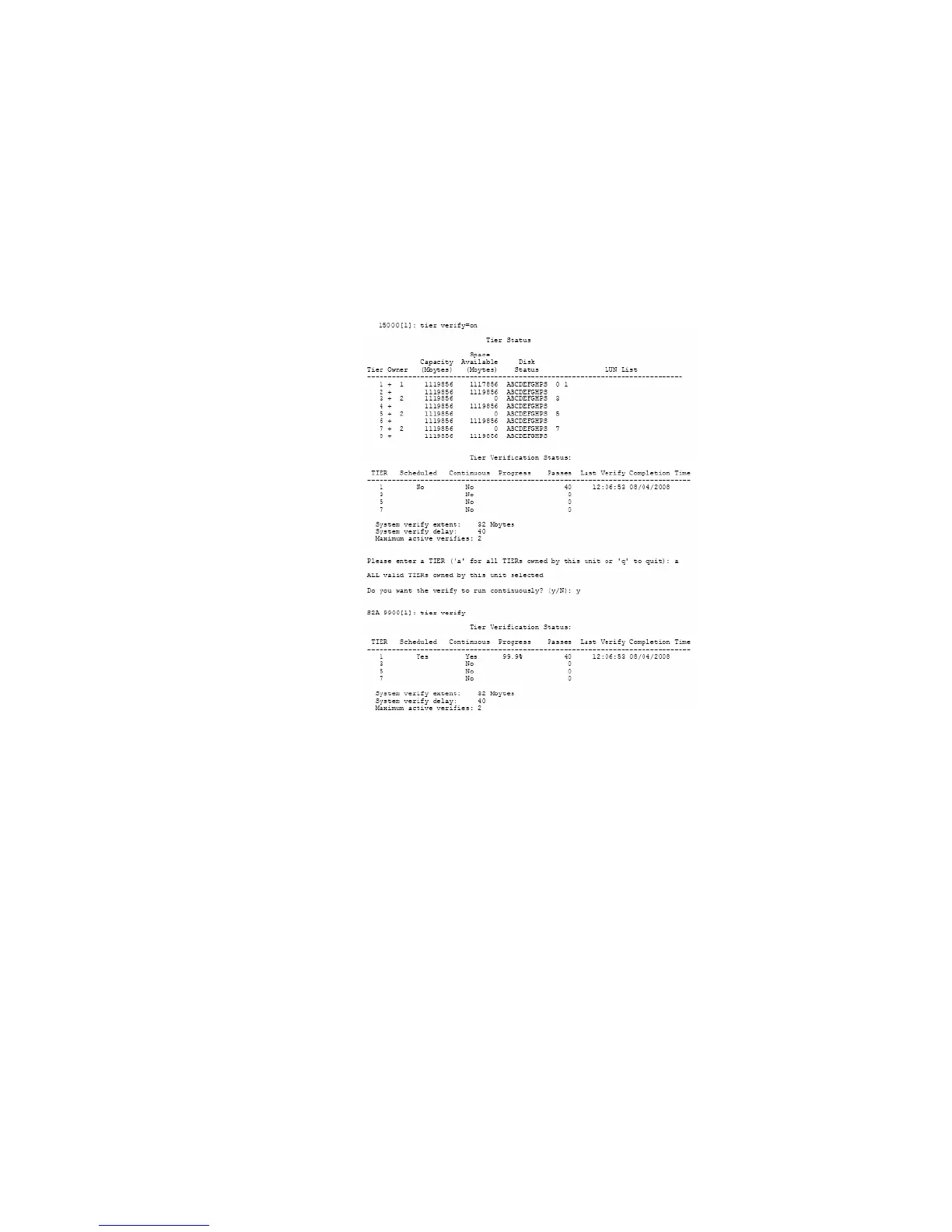
To enable Tier Verify (Figure 3–42):
1. At the prompt, type TIER VERIFY=ON
<Enter>
.
2. The system will ask which tier you wish to verify. Enter the tier number or type a for “All.”
3. The system will ask if you want run the Tier Verify operation continuously or not. Type y to run
continuously or N to run just once. The default is N.
Figure 3–42 Tier Verify ON Screen
To disable Tier Verify (Figure 3–43):
1. At the prompt, type TIER VERIFY=OFF
<Enter>
.
2. The system will ask which tier you wish to verify. Enter the tier number or type a for “All.”
Tier Verify will be disabled off after the next iteration has completed.



 To Next Page