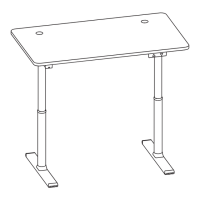
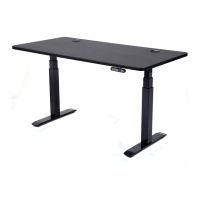
Vortex M Edition Desk Assembly Guide
13/ Page
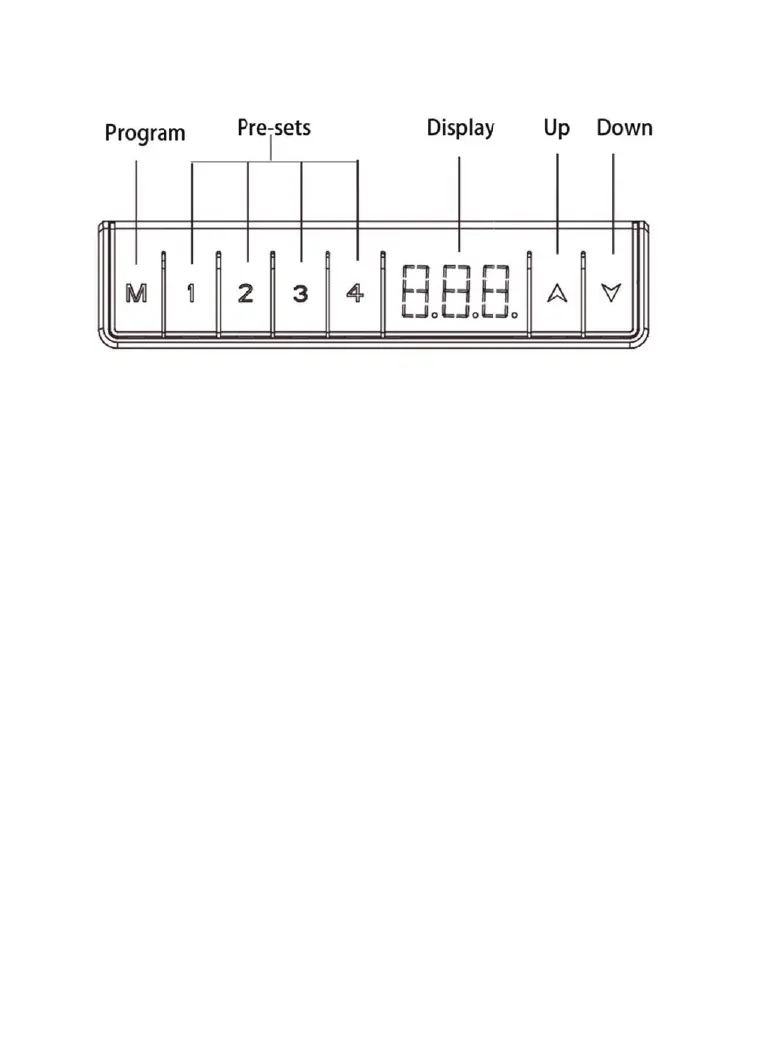
How to Use Memory Controller
RESET may be needed from time to time in events like prolonged
non-operation, sudden power outage overload, overheat and etc. Most
issues get resolved with a reset. Please note that resetting desk involves
more than a conventional power-off and a power-on like that of most
electronic devices.
Press on hold both
UP and DOWN buttons for 5 seconds. RST will
appear on the controller display and desk will start going down to the
lowest position if it is not at that position. Keep holding both buttons until
the desk reaches the lowest point. The reset is complete when you hear
a beep.
PRESETS: Factory default settlings for Preset Buttons 1, 2, 3 and 4
are 28.3’’, 33.6’’, 35.5’’ and 47.2’’ respectively and can be changed by
following instruction below:
1.Press UP or DOWN button to go to a desired height
2.Press M button for 3 seconds and displayed height will start flashing
3.Press and hold Preset button1,2,3 or 4. If Button #1 is pressed,
P1 will flash briefly. Preset is complete when flashing displayed height
becomes solid. To go to your preset height, simply press preset button
onc
e
.



 To Next Page