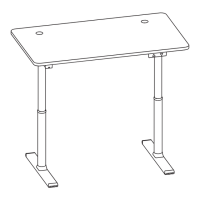
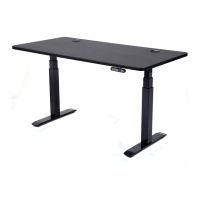
Vortex M Edition Desk Assembly Guide
6/ Page
ASSEMBLY INSTRUCTIONS
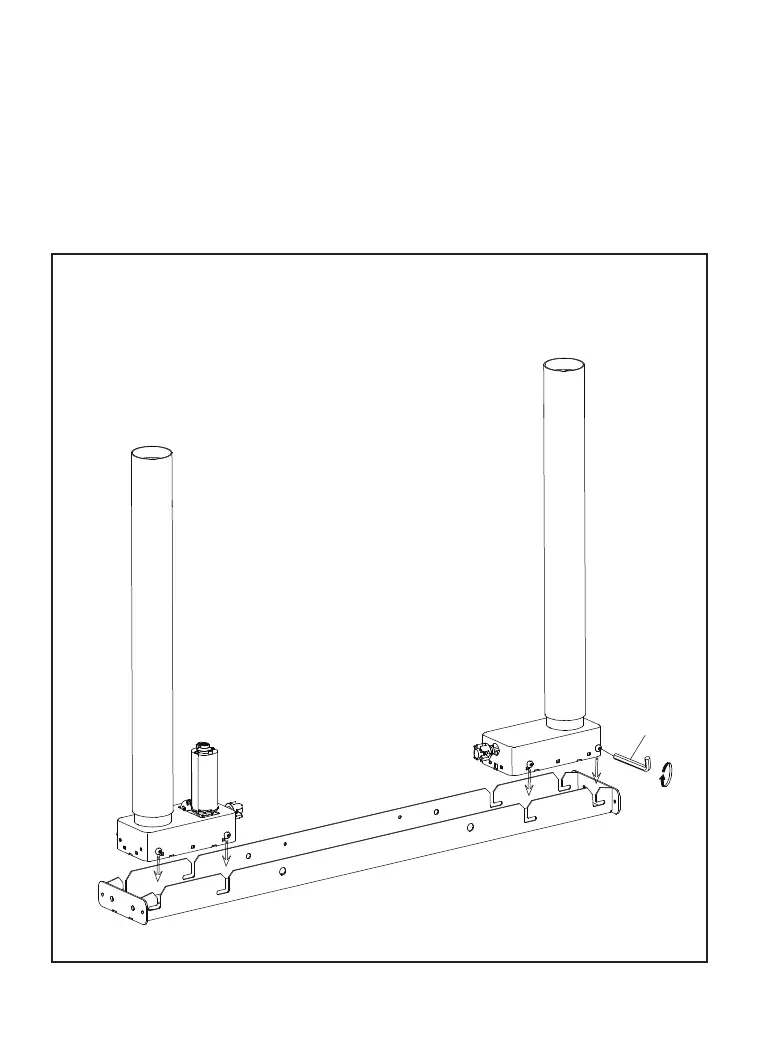
Step 1
Insert legs into crossbeam and tighten 8 pre-installed screws
with 4mm Allen wrench.
4MM
BEFORE YOU BEGIN
1. Lay out all components and hardware to ensure that you have
everything listed on Page 4 & 5. Don’t contact retailers for missing parts.
Email to support@apexdesk.com
2.
Assemble on soft and non-abrasive surface to avoid scratch or damage.



 To Next Page