Using Duet with Apple MainStage
Warning! Apogee's Control Panel within MainStage is not compatible with Duet 2
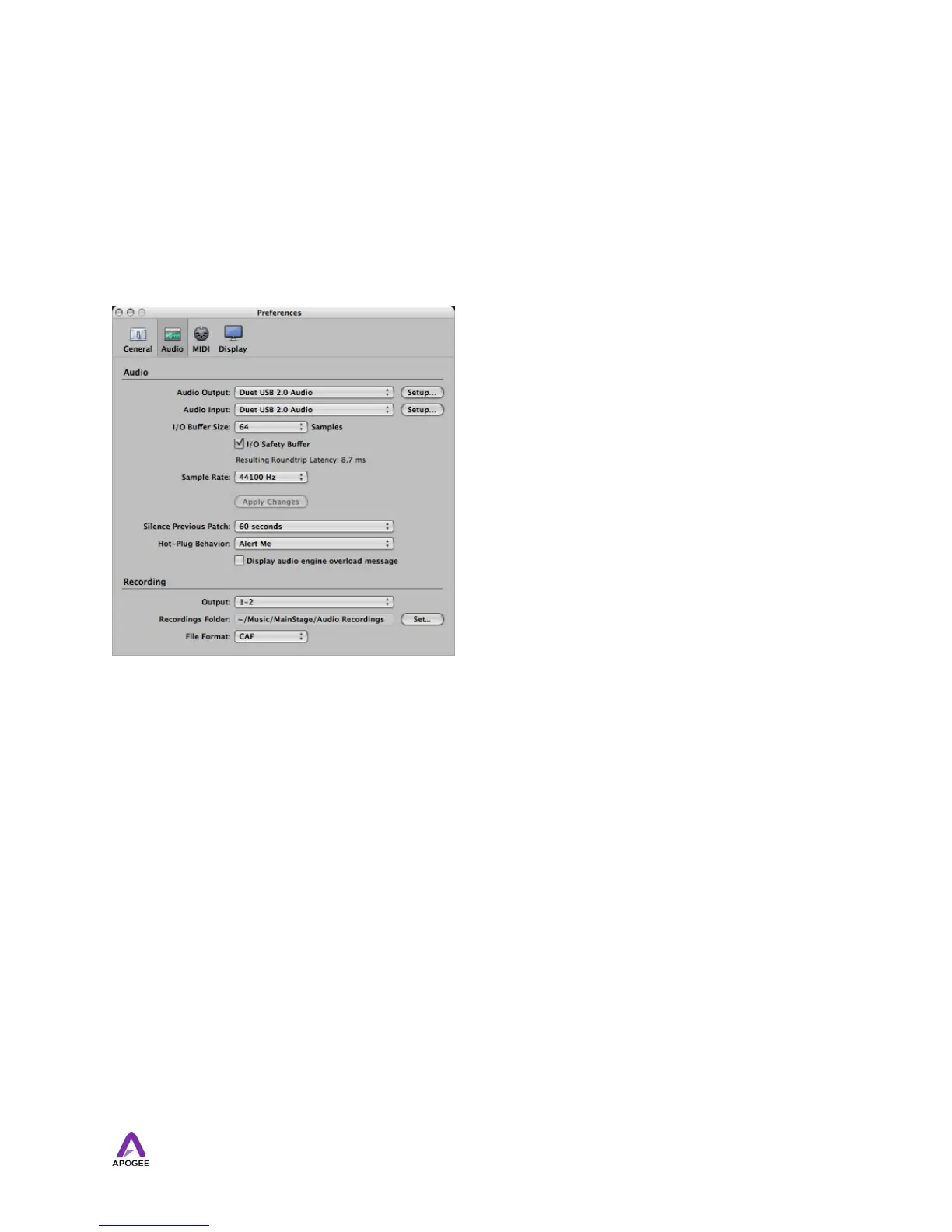
Choose MainStage > Preferences
Click on the Audio/MIDI tab Select Duet in the Audio Output and Audio Input menus Set I/
O Buffer Size to 128 Close the Preferences window after making settings.
Using Duet with Ableton Live
Choose Live > Preferences
Click on the Audio tab. Select CoreAudio in the Driver Type menu. Select Duet in both the
Audio Input Device and Audio Output Device menus. Set Buffer Size to 128. Close the
Preferences window after making settings.
50



 To Next Page