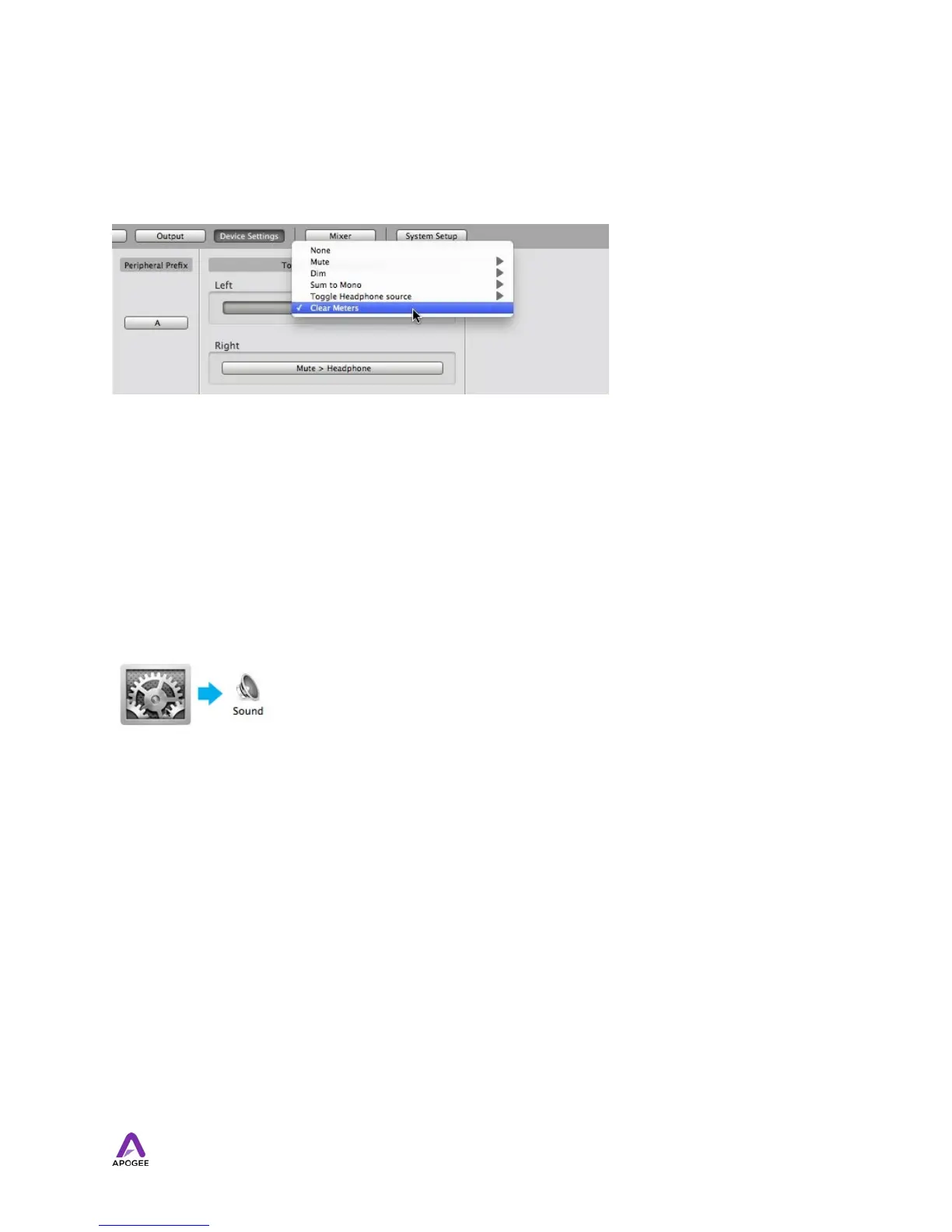
Clear Meters
The Clear Meters function will remove held peak and over indicators on software and
OLED meters when Peak Hold or Over Hold (in the System Setup tab window) is set to
Infinite.
OS X System Preferences
The OS X System Preferences Sound window provides settings to choose Duet for Mac
sound input and output. If you didn’t choose Duet for Mac sound I/O in step 3 of the
Quickstart guide, you may do so in this window.
Go to the Apple menu > System Preferences. Open the Sound preference window by
clicking on the speaker icon.
20



 To Next Page