APOGEE ELECTRONICS
6
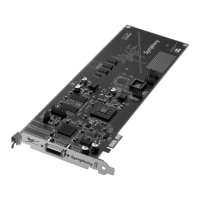
Symphony PCI card – User’s Guide
Installing the Symphony Core Audio Driver
Symphony Core Audio drivers must be installed on the computer to interface Symphony PCI hardware to Core
Audio compatible software. This driver may be found on the Apogee Software CD included with the Symphony
PCI card. More driver information may be found at Apogee’s website here:
www.apogeedigital.com/symphonysupport
To install the driver:
1. Insert the CD into your Mac’s optical disc drive.
2. Double click on the CD’s icon when it appears on the desktop of your Mac.
3. Follow the instructions provided by the installer program.
4. Re-start your Mac after installation is complete.
Important note: Sleep settings
Due to the processor intensive nature of computer-based digital audio systems, it’s required that OSX’s
“Sleep” functions be disabled.
1. Under the Apple menu, open the System Preferences window and click on the Energy Saver icon. In the
Energy Saver window, set both computer and display sleep sliders to “Never” and uncheck the hard disk
sleep box.
2. Under the “Options” tab, set Processor Performance to “Highest”.


 To Next Page