APOGEE ELECTRONICS
1
Symphony PCI card – User’s Guide
Introduction
The Symphony PCI card system allows the connection of up to 96 channels of 192kHz Apogee conver-
sion to an Apple Macintosh computer.
The system consists of:
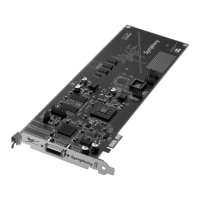
• Symphony PCI-e or PCI-x card;
• X-Symphony X-Option card (installed in Apogee interfaces)
• PC-32 cables
• Maestro routing and low-latency mixer application.
System Requirements
1. Apple PowerMac 1.8Ghz or higher with PCI-e or PCI-x slots, 512 meg of RAM required, 2 G RAM rec
ommended.
2. OS X 10.4.0 or greater
Overview
Here are the steps to complete to get your Symphony PCI card-based audio system up and running:
1. Configure on-board jumpers
2. Install Symphony PCI cards into Macs; install X-Symphony cards into Apogee interfaces
3. Connect PC32 cables between Apogee Interfaces
4. Connect word clock cables between interfaces
5. Install driver on the Mac
6. Configure computer and DAW software to utilize Symphony hardware
On-board Jumpers
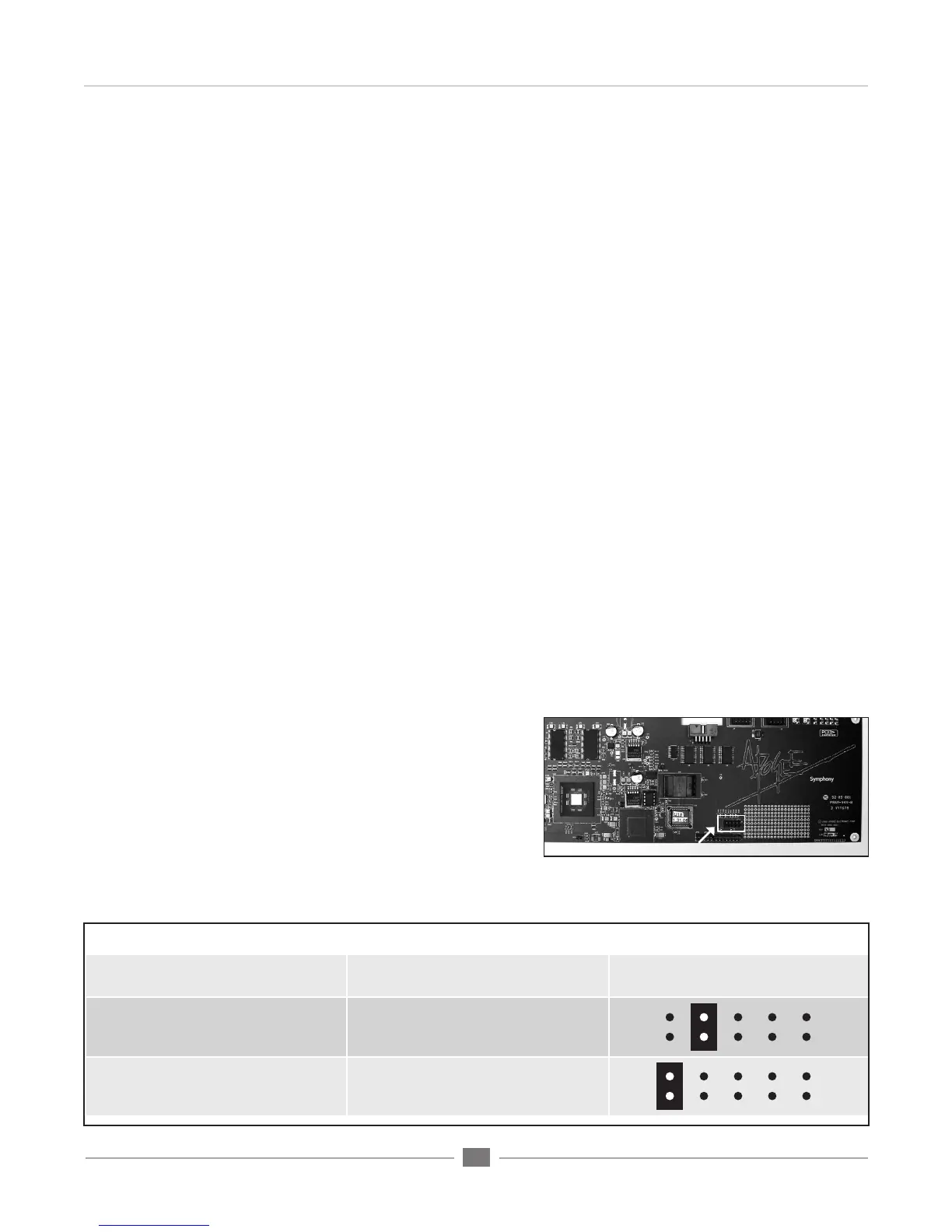
Before installing Symphony PCI cards into your Mac, it’s nec-
essary to assign a unique ID for each card using the block of
jumpers indicated in figure 1.
1. Remove the Symphony card from its anti-static bag, paying
careful attention to not touch the on-board components or
the gold connector pins.
2. Determine the appropriate PCI slots and jumper settings for
each card using figure 2 below.
Symphony Card PCI Slot to use Jumper Block
First Card Lowest number slot available
no jumpers (from the factory a
jumper is installed on 1 pin only)
Second Card Adjacent to First Card
Third Card Adjacent to Second Card
Jumper location
FIGURE 2
FIGURE 1


 To Next Page