EasyManua.ls Logo

Apollo SA7100-100APO - User Manual

Apollo SA7100-100APO
24 pages
Print Icon
To Next Page IconTo Next Page
Loading...
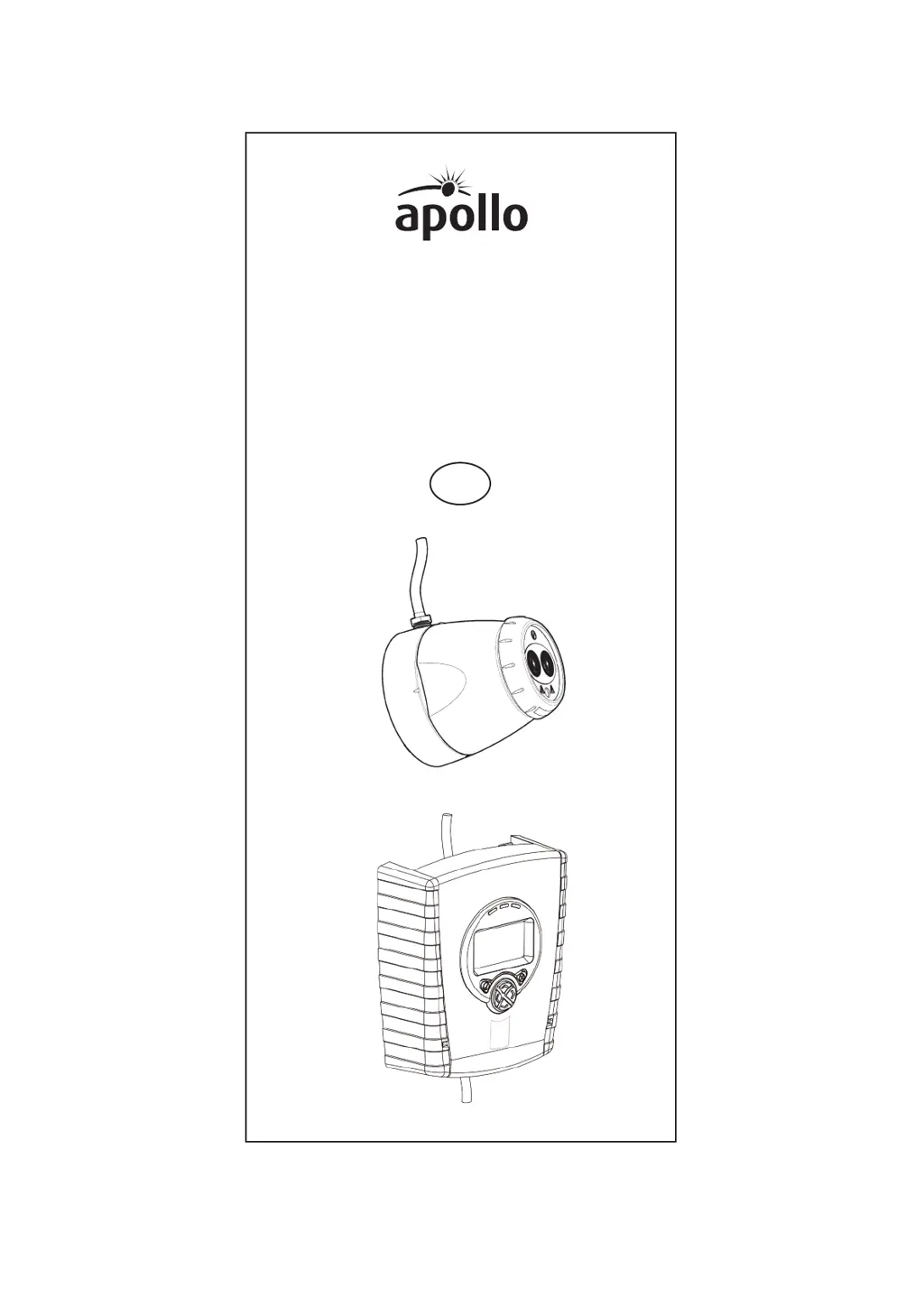
Apollo Intelligent
Auto Aligning Beam Detector
User Guide
EN

Questions and Answers

  • M
    Michael VaughnSep 10, 2025
    What to do if the LASER is not visible on Apollo Security Sensors?
    • M
      Mr. Joseph CrawfordSep 10, 2025
      If the LASER is not visible on your Apollo Security Sensors, try the following: 1. Use ‘Hand’ Alignment. 2. Start ‘Auto’ Alignment and press after two seconds to exit. 3. Select ‘Hand’ alignment. 4. Cover the Reflector. 5. Perform ‘Auto’ alignment, followed by ‘Set’.
  • M
    mary27Sep 12, 2025
    What does 'HOME' mean on Apollo Security Sensors?
    • X
      xwilsonSep 13, 2025
      If you see 'HOME' on your Apollo Security Sensors, use the Home Position to automatically steer the infrared beam, or press the specified buttons to exit this function.
  • C
    Crystal DuncanSep 15, 2025
    What does Apollo Security Sensors Error Code E-30 mean?
    • M
      Mr. Jason HintonSep 15, 2025
      Isolator within the controller has activated.

Summary

Fitting the Product

Wiring Diagram

Address Settings

Apply power

Find Detectors

Auto Alignment

Set 0;100 (Calibrate)

Manual Fire and Fault Tests

Fire Threshold

Cleaning the System

Troubleshooting - Error Codes

Apollo SA7100-100APO Specifications

General IconGeneral
BrandApollo
ModelSA7100-100APO
CategorySecurity Sensors
LanguageEnglish

Related product manuals