Installing Your Server in a Rack 33
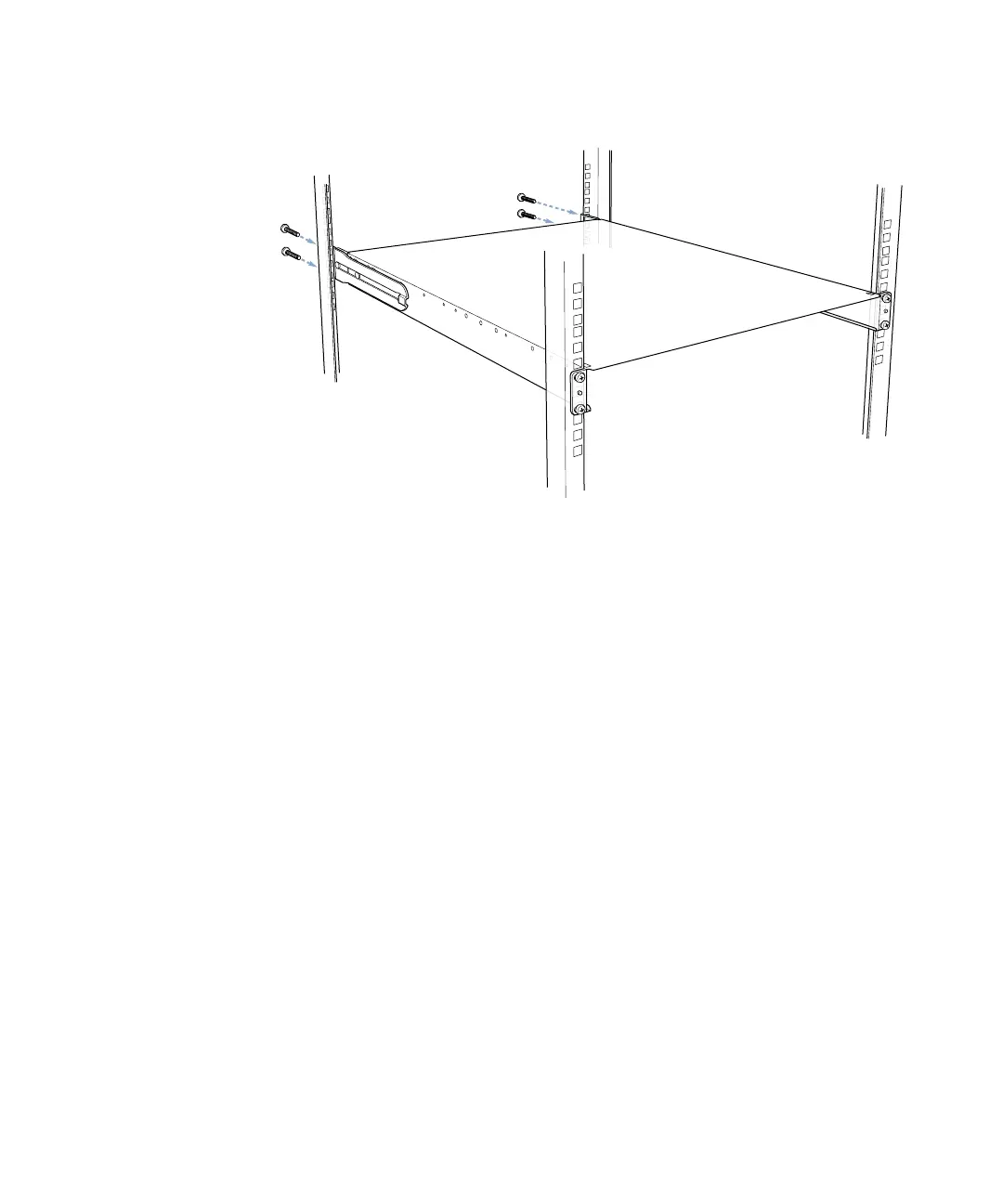
7 Slide the brace forward or backward so that the flat end of the brace is flush with the back
post of the rack, and screw the brace’s flange to the post.
8 Attach the second bracket and brace, as described in steps 3 through 7.
Note: If your rack is deeper than the server, the braces and brackets extend beyond the
server’s back panel to the rack’s posts.
Attach the cover
to the two rear rack
posts using four of the
screws provided.



 To Next Page