53
CHAPTER
4
4 Using Your Server
When you’ve connected the cables and peripheral devices you plan to use with your server,
you can turn it on and set up the software and network services.
Starting Up the Server
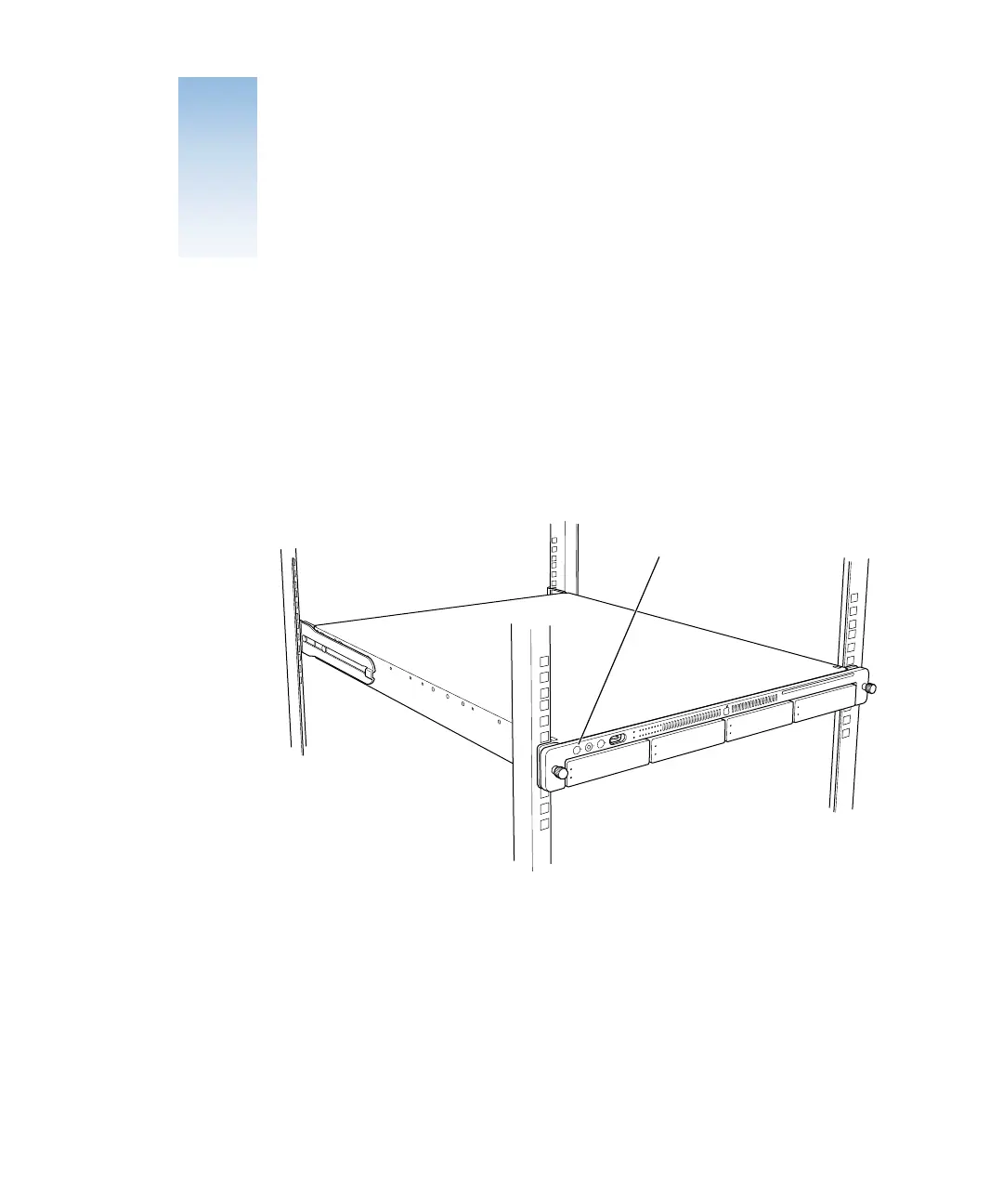
Press the power button at the left side of the server’s front panel to turn it on.
The power indicator light turns on and the server starts up. Status lights on the front panel
indicate network connection, system activity, and drive module use.
Detailed instructions for setting up all the services and options of the Mac OS X Server
software are provided in the software documentation included with the server. See the
Quick Start for Xserve booklet for a guide to the software documentation.
Power button



 To Next Page