Installing Your Server in a Rack 29
When you’ve installed optional items, you’re ready to connect the server to the rack. If you
have a four-post rack or cabinet that is 29–36 inches deep, proceed to “Installing the Server
in a Four-Post Rack or Cabinet” on page 29. If you have a short rack that is 24 or 26 inches
deep, go to “Installing the Server in a Short Four-Post Rack” on page 42. If you have a two-
post rack, go to “Installing the Server in a Two-Post (Telco) Rack” on page 47.
Installing the Server in a Four-Post Rack or Cabinet
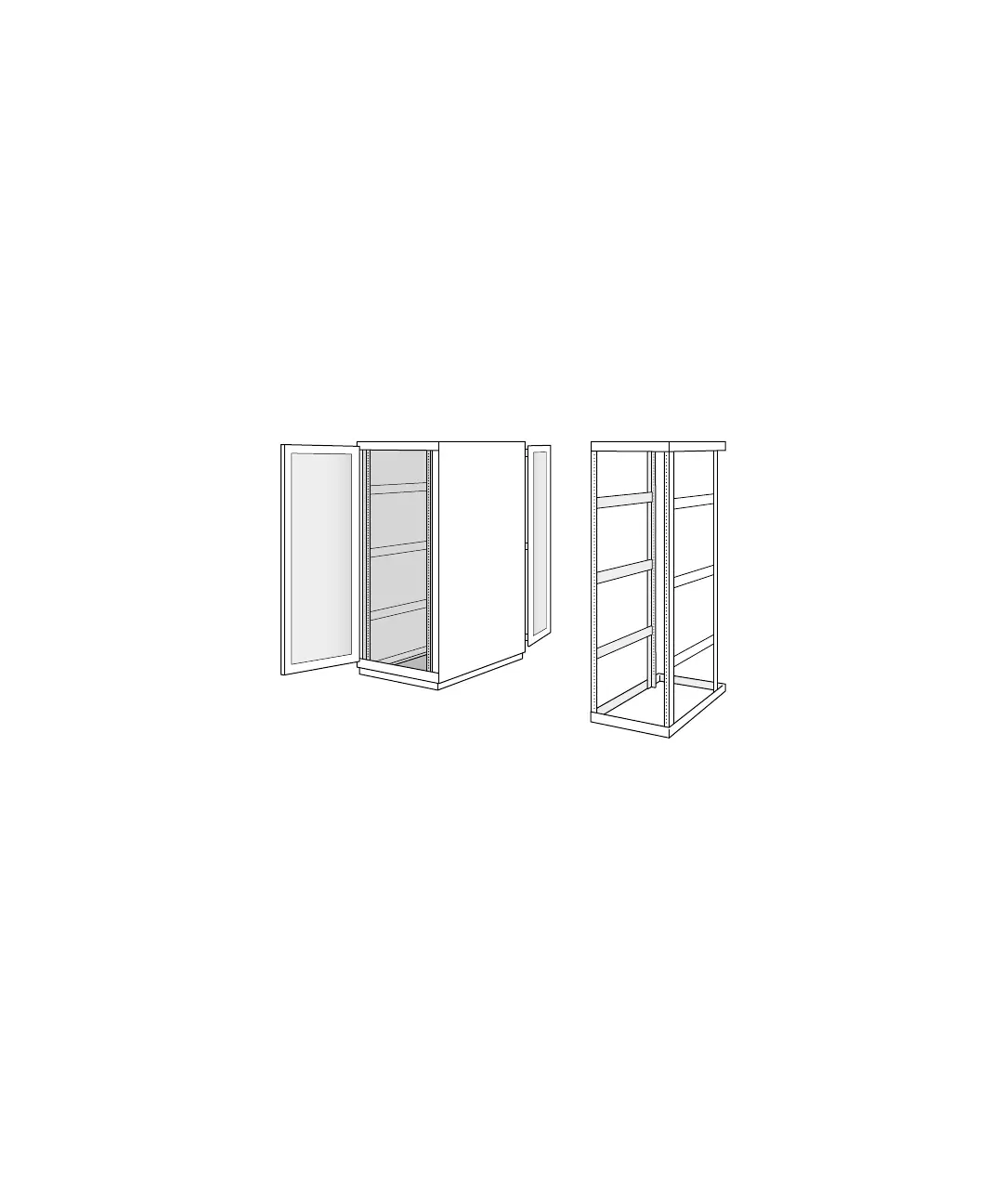
A four-post rack can be open or enclosed in a cabinet. Examples of both racks are shown
below. You follow the same steps to attach the server to either of these racks. For a cabinet,
however, you may have to remove the door before installing the server.
Important Be sure to check the documentation for your rack for any specific mounting
instructions.
Four-post open rack
Four-post cabinet rack



 To Next Page