46 Chapter 3
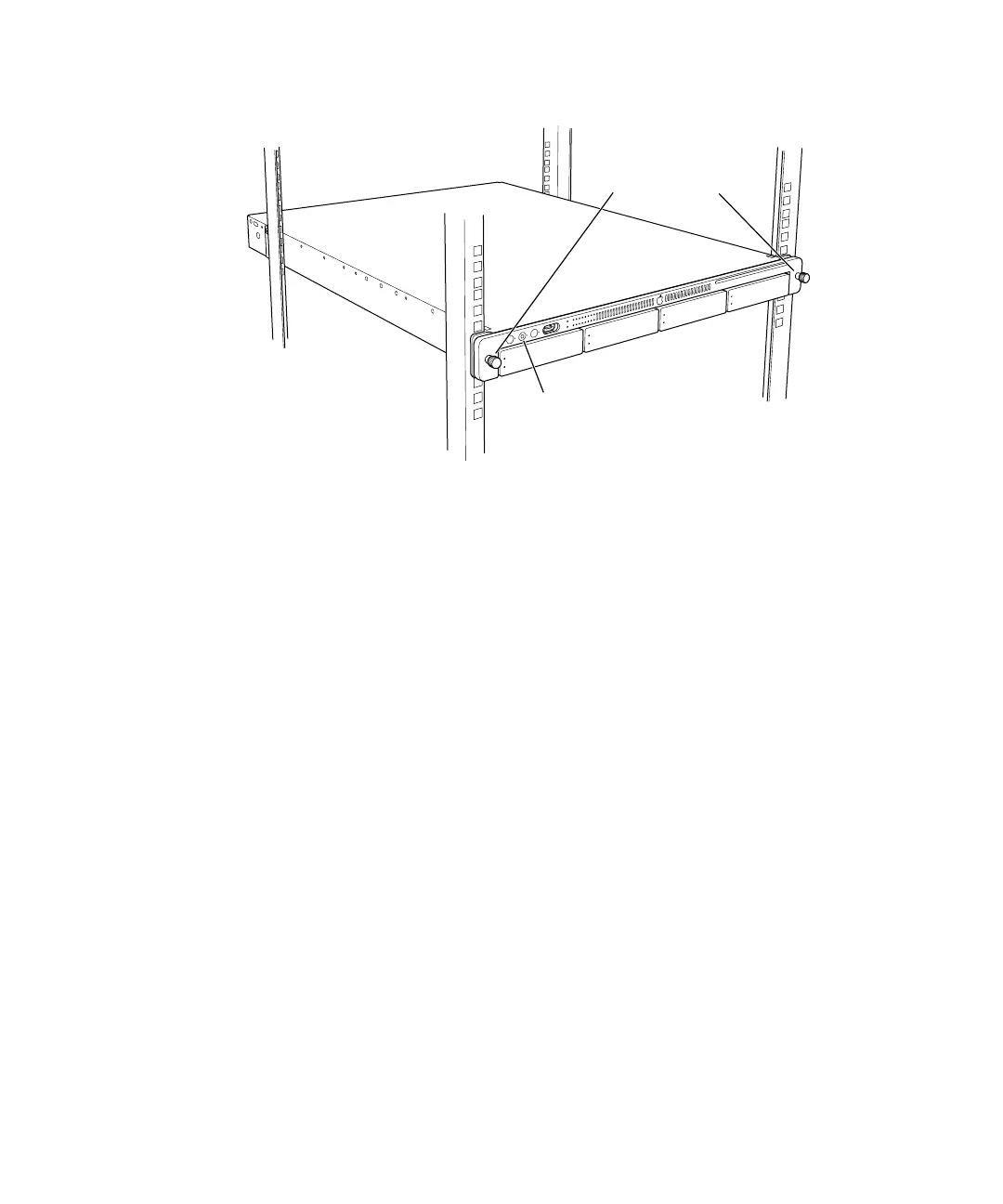
2 Secure the server in the rack by tightening the thumbscrews on the front.
3 To further secure the server and prevent removal of the drive modules, use the enclosure key
(supplied with the server) to fasten the security lock on the front panel. (See the illustration
above.)
Once you’ve placed the server in the rack, you can connect the power cord and cables
directly to the back panel. See “Connect Cables Directly to the Server” on page 50 for details.
You cannot use the cable-management arm on an Xserve system that is installed in a short
rack.
To secure the drive modules in the
server, use the enclosure key to lock
them in place.
Tighten the two
thumbscrews
to secure the
server in the rack.



 To Next Page