62 Chapter 5
3 Touch the metal enclosure to discharge any static electricity.
4 Unplug the power cord.
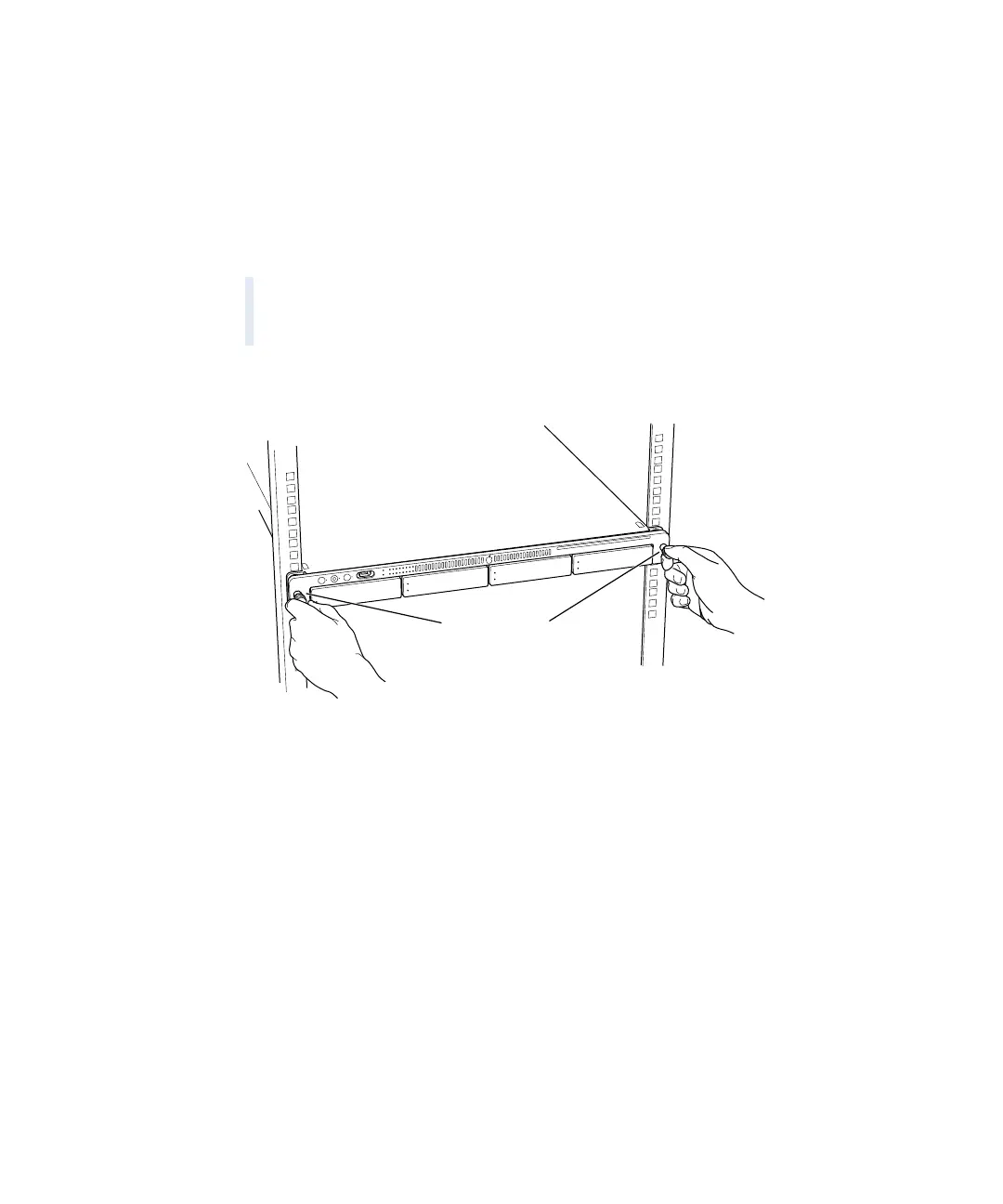
5 Loosen the thumbscrews at the front of the server’s cover.
Important Always discharge static electricity before you touch any parts or install any
components inside the computer. To avoid generating static electricity, do not walk around
the room until you have finished installing the expansion card, memory, or internal storage
device and have closed the computer.
Warning The power supply in your computer is a high-voltage component and should
not be opened for any reason, even when the computer is off. If the power supply needs
service, contact your Apple-authorized dealer or service provider.
Unscrew the two
thumbscrews to
release the server.



 To Next Page