74 Chapter 5
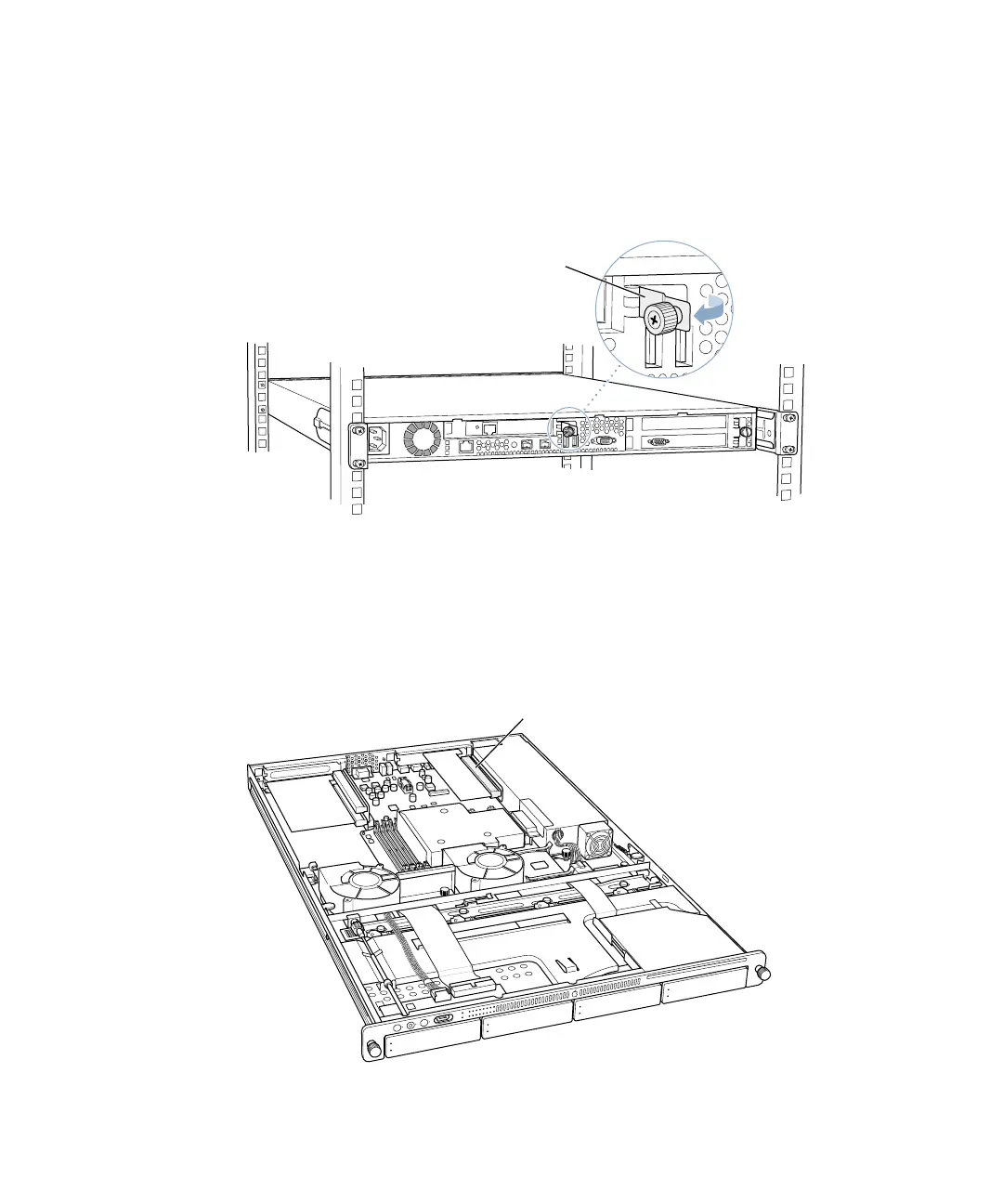
3 Loosen the thumbscrew on the back panel for the PCI/AGP slot and swivel open the small
metal piece that holds the thumbscrew.
If there is no card already in the slot, also grasp the slot cover and remove it through the slot
opening, if possible.
You can skip this step if there is already a card in the slot.
4 Move to the front of the server and open it to its full length.
See “Opening and Closing the Server” on page 61 for details.
You can also remove the server from the rack (leaving the cover in place) and install the card
with the server on a sturdy flat surface.
5 Locate the PCI/AGP slot at the back right side of the server.
Loosen the thumbscrew and
swing the small metal plate
to its open position.
PCI/AGP combo card slot



 To Next Page