BIOS SETTING
28 NP-3262 POS Terminal
Device power-up delay
This is maximum time for the device to take before it properly reports itself to the
Host Controller.
Options: Auto (Default) / Manual
Note: The following item appears only when you set the Device power-up delay item to [Manual]
Device power-up delay in Second
Options: 5 (Default) / 1 ~ 40
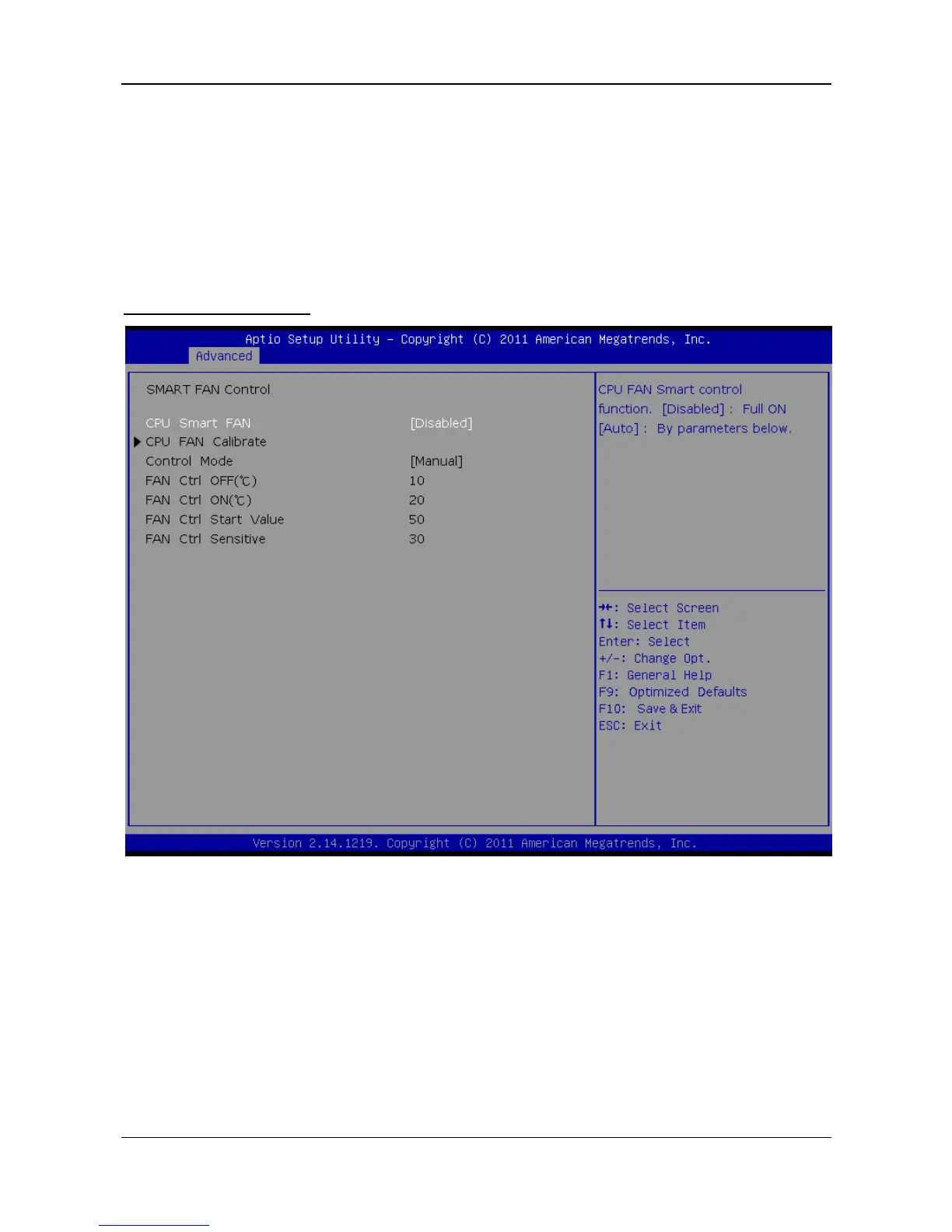
SMART FAN Control
CPU Smart FAN
This item is CPU FAN Smart control function.[Disabled]:Full ON [Auto]:By
parameters below.
Options: Disabled(Default) / Auto
CPU FAN Calibrate
Press [Enter] to Calibrate CPU FAN.


 To Next Page