BIOS SETTING
NP-3262 POS Terminal 29
Control Mode
This item is three control mode.[Quiet] / [Aggressive] / [Manual]
FAN Ctrl OFF(℃):When temperature is lower than this value,the fan will keep
lowest RPM.
FAN Ctrl ON(℃):When temperature is higher than this value,the fan controller will
turn on.
FAN Ctrl Start Value:Set FAN Start Speed Value.
FAN Ctrl Sensltive:SMART FAN Control.
Options: Quiet / Aggressive / Manual(Default)
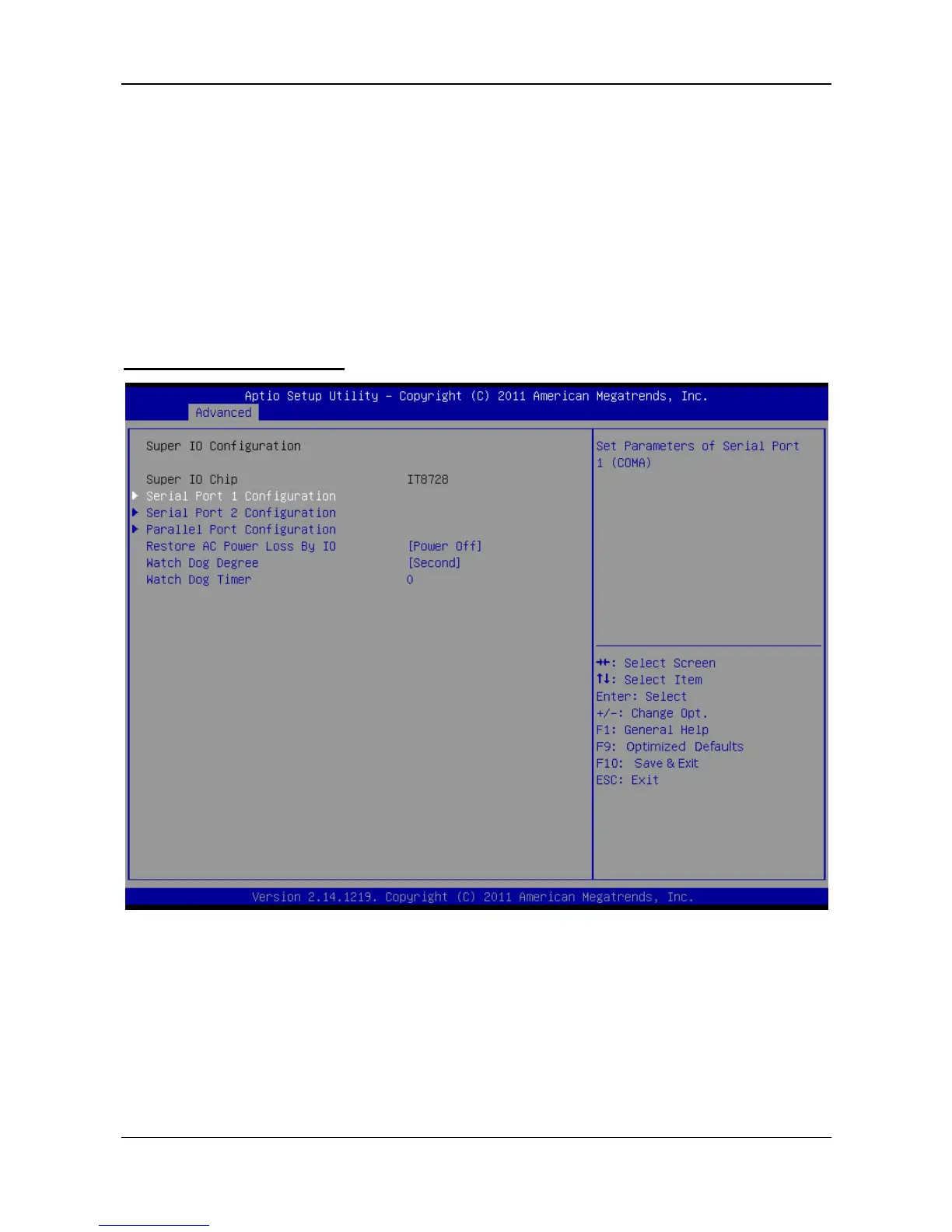
Super IO Configuration



 To Next Page