21
4.3 TCP/IP Communication Software
Follow the procedure below to install the TCP/IP communication program in your computer.
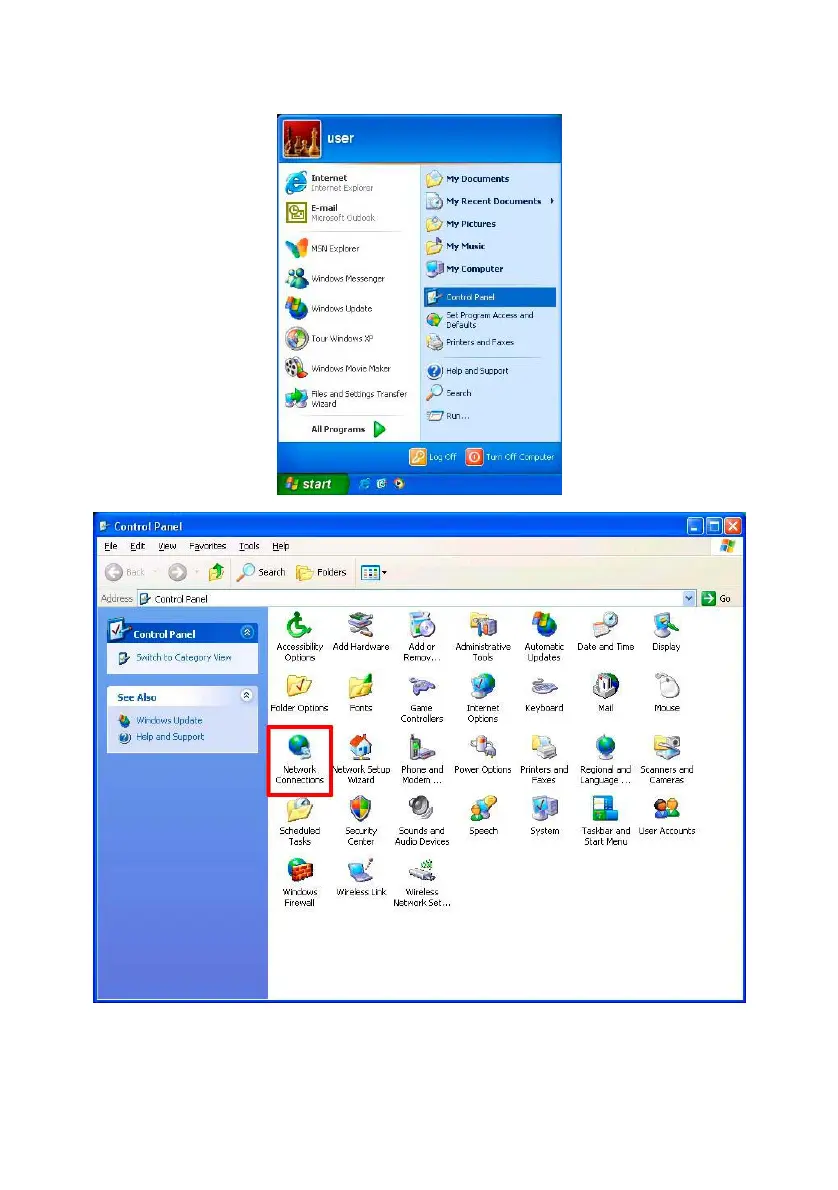
1. Click Start, and then click Control Panel.
2. Double click the Network Connections icon to enter the windows.
4. Right-click your network connection and then click Properties.



 To Next Page