27
5. Operating Instructions for Image Software and Network
Two choices of software are available for linking with the IP camera: (1) the Microsoft Internet
Explorer; and (2) the IP camera viewer software, a network browser in a PC which provides the
functions of monitoring remote zones or watching recorded data through the TCP/IP protocol.
The details are listed as follows.
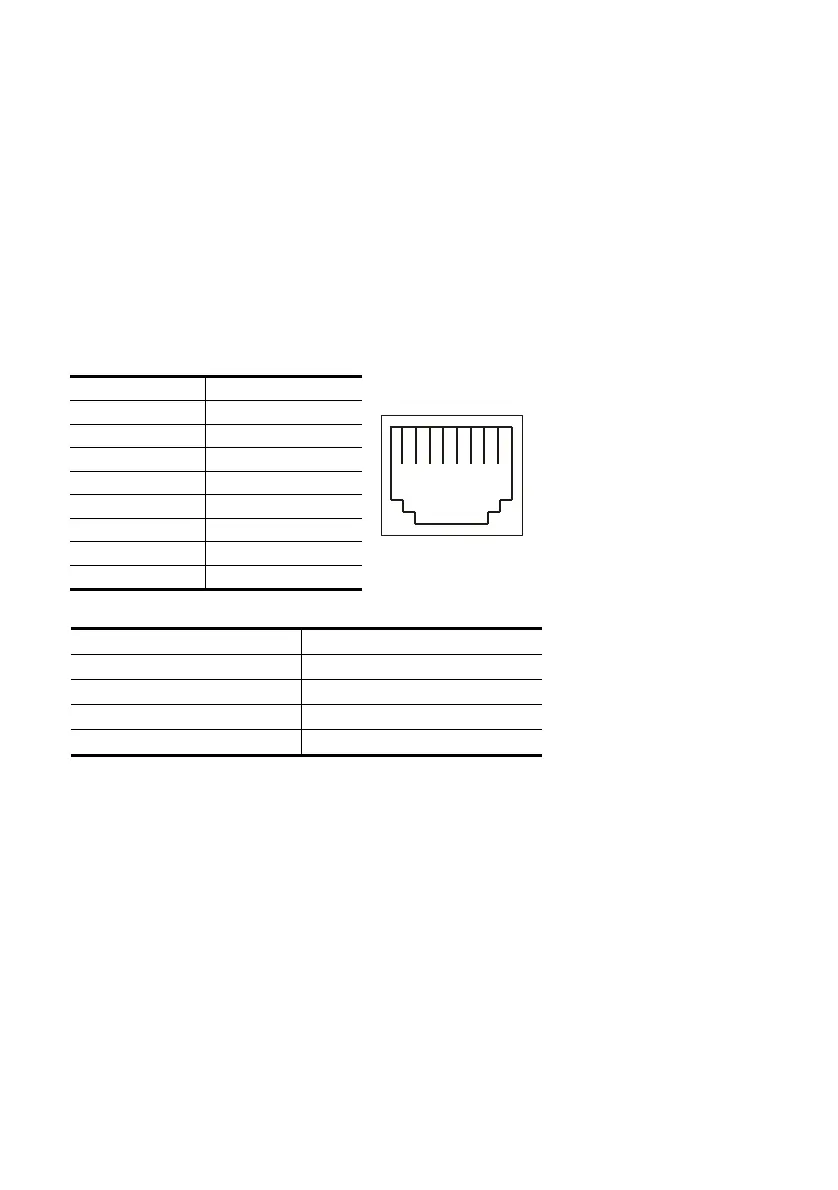
RJ-45 PIN configuration for Ethernet
PIN NO. PIN Assignment
1. TX +
2. TX -
3. RX +
4. Not Connected
5. Not Connected
6. RX -
7. Not Connected
8. Not Connected
Physical specification for Ethernet
Wire type Cat. 5
Connector type RJ-45
Max. cable length 100 m
Hub wiring configuration Straight Through or Cross Over
PC wiring configuration Straight Through or Cross Over
1 2 3 4 5 6 7 8
RJ-45 socket



 To Next Page