31
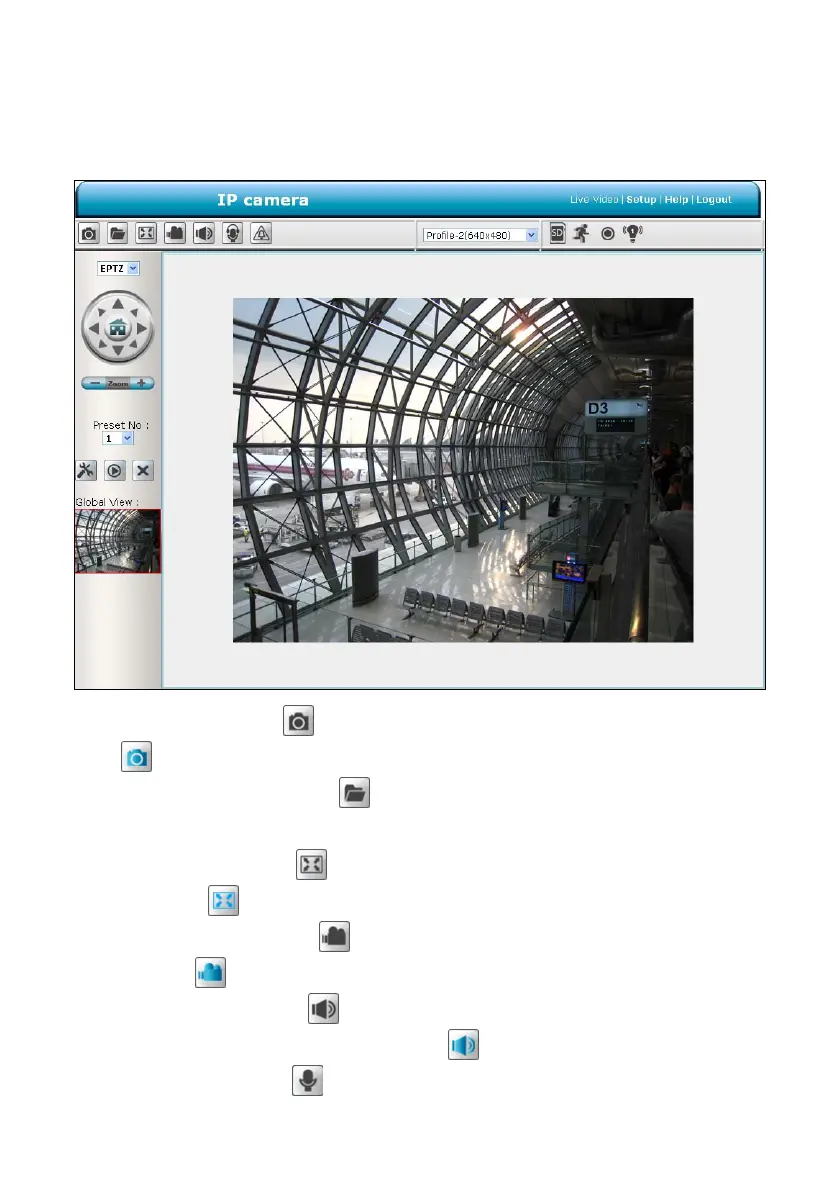
The ActiveX viewer type:
You can select from the available thumbnails for your option of taking a Snapshot, setting the
Storage Folder, selecting the Full Screen mode, Recording, Listen, Talk and Zoom.
Snapshot: Click on the button to take a snapshot. The icon will change to a blue color
while working effectively.
Set Storage Path: Click on the
button to set a storage folder for saving the snapshot
and the video clips.
Full Screen: Click on the
button to enter the full screen mode. The icon will change to
a blue color
while working effectively.
Record switch: Click on the
button to record a video clip. The icon will change to a
blue color
while working effectively.
Audio switch: Click on the
button to start/stop the audio-in function (listen/stop
listening). The icon will change to a blue color
while working effectively.
Talk switch: Click on the
button to start/stop audio out function (talk/stop talking). The



 To Next Page