96
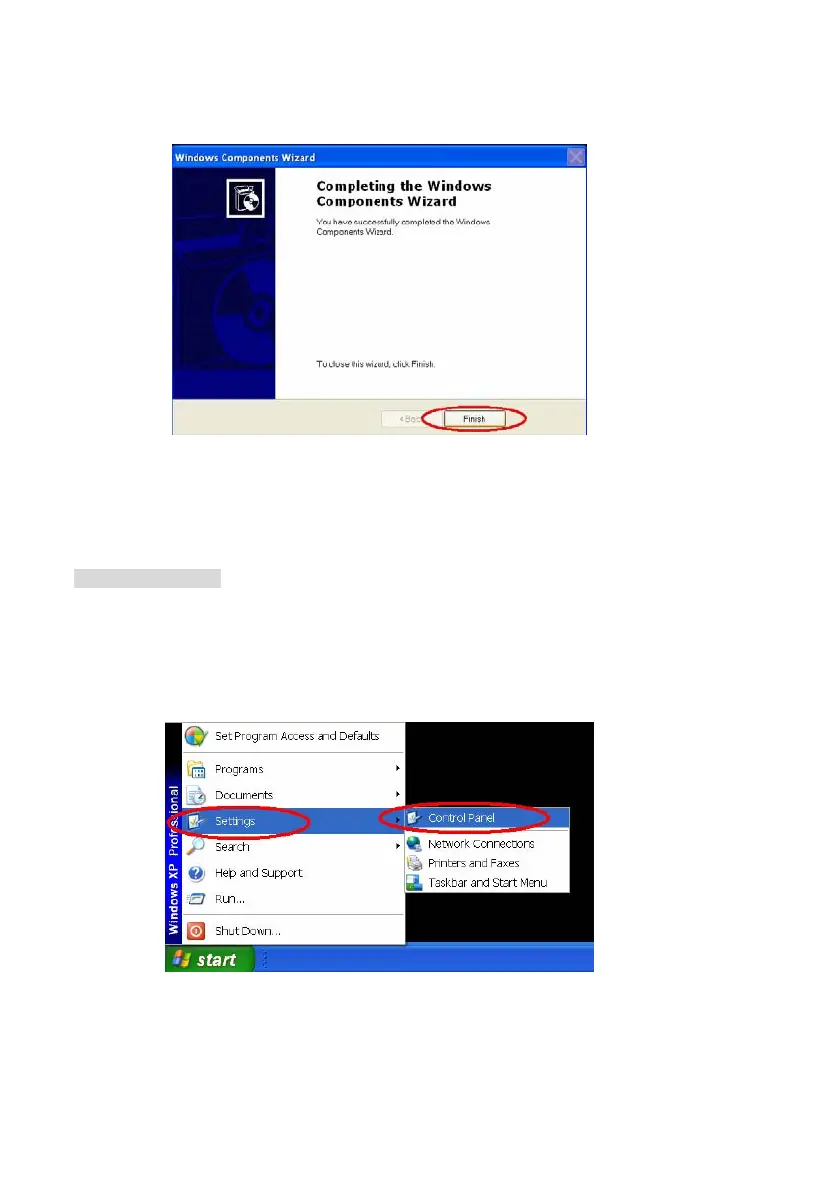
Step 6: After about one minute the UPnP installation will be done, and choose Finish to close it.
See Figure13.
Figure 13
3. Turn on Services
After installation, we should turn on the relative services to start the UPnP protocol. The following
procedures will teach you how to do it.
Step 1: In the Start menu, point to Settings, and then click Control Panel. See Figure14.
Figure 14
Step 2: When Control Panel appears, double-click the Administrative Tools icon. The
Administrative Tools dialog box appears. See Figure15.



 To Next Page