CHAPTER 4
OPERATING INSTRUCTIONS
Entire Contents Copyright 2004 by Adaptive Power Systems, Inc. (APSI) • All Rights Reserved • No reproduction without written authorization from APSI.
APS-1000 Series 4 - 6 OM-001-01000-000-04.0
Current Limit (Display) Setting
When the system is in RESET (Standby) or the TEST (Output ON) mode, you can
change the Current Limit value.
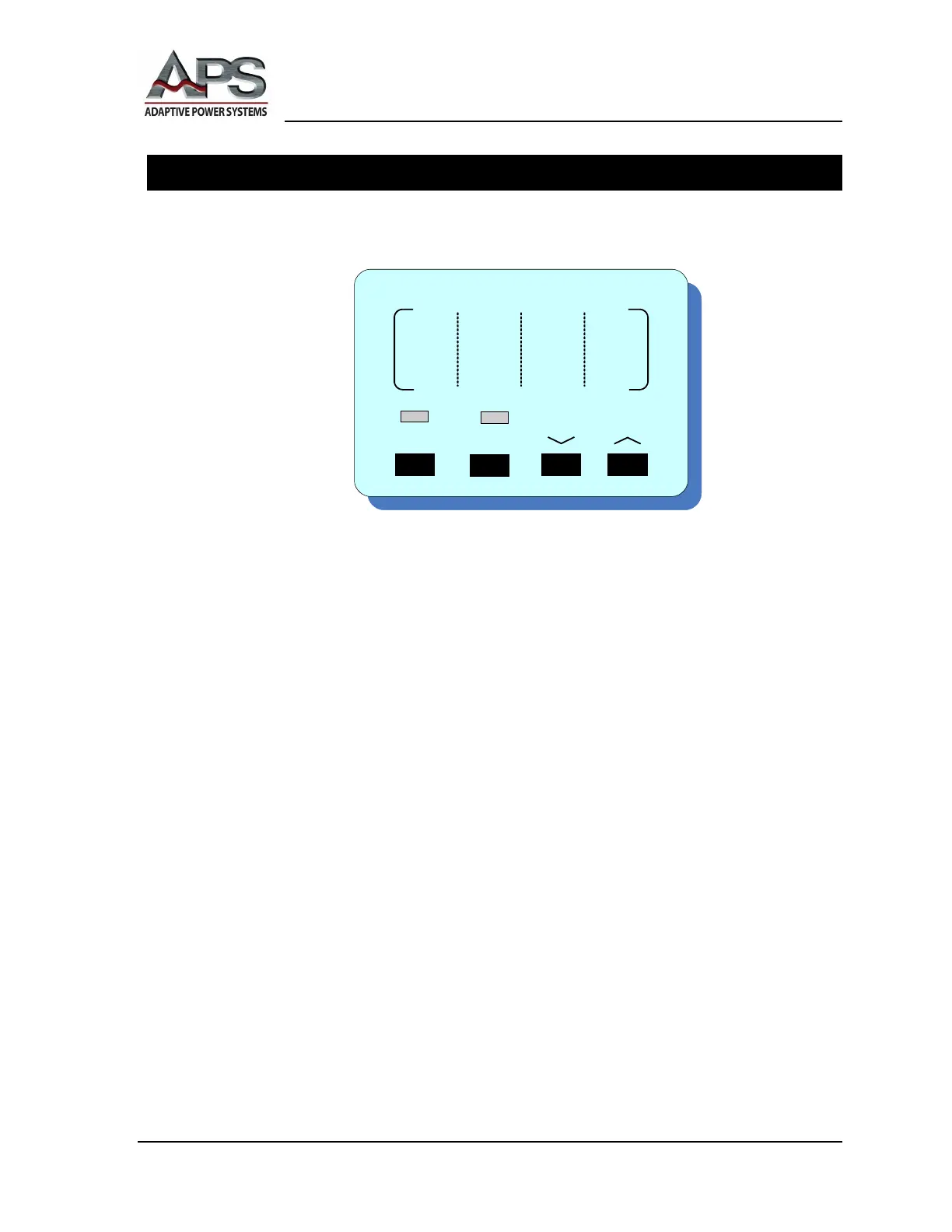
Current Display ︿ and ﹀ Buttons
Press the ︿ or ﹀ buttons to adjust the current limit. When unchanged for two seconds,
the current limit adjustment terminates and the system returns to the previous setting
interface. When the current limit value is OFF, the system will protect itself by limiting
the current according to output capacity (see Specifications).
Current Display LOCK Button
This button locks the front panel control, except for the RESET and P/PF. Use this
button to eliminate the possibility of unexpected (accidental) changes.
Current Display SYSTEM Button
This button enables the setting of SYSTEM parameters. See the Section in this chapter
called System Parameter Settings.
Note: Manual current adjustments will not automatically change the current limit
values stored in memory locations M1, M2, or M3. To change stored parameter values,
please refer to the Section Program Memory Procedures.
Note: If your unit shuts down due to a detected Over-Current condition, the
FREQUENCY display shows OCP.



 To Next Page