CHAPTER 6
INSTRUMENTATION CALIBRATION
Entire Contents Copyright 2004 by Adaptive Power Systems, Inc. (APSI) • All Rights Reserved • No reproduction without written authorization from APSI.
APS-1000 Series 6 - 4 OM-001-01000-000-04.0
Calibration Instructions
General Information about Calibration
At the MULTIMETER Display, pressing the RESET button aborts the
calibration process.
The system must be restarted after all calibration operations have been completed.
Entering the Calibration Mode
At the Multimeter Display, press and continue to hold the LOCK / LOCAL button
while turning the power on.
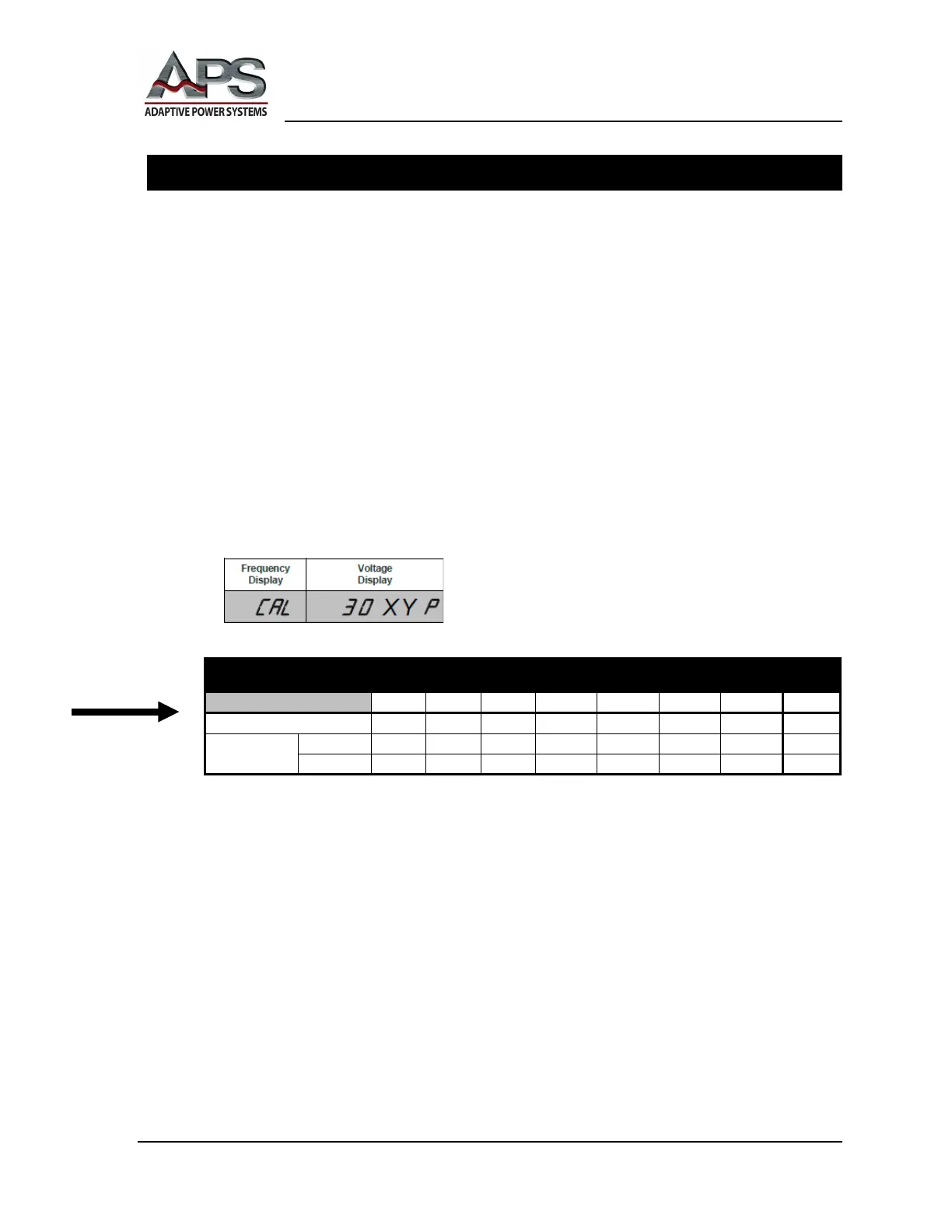
After about 2 seconds, the unit will execute the calibration program that is
appropriate for your particular unit, based on the APS model number. The panel
will display the (firmware) version number. XY corresponds to the model number
and nominal power rating of your unit.
You do not have any use for the version number during calibration.
Confirm the displayed model number agrees with your unit's external model
number. The internal calibration program uses this model number in its activities .
If there is disagreement between the displayed model number and unit's external
model number, you should stop the process, turn off the unit, and contact your
distributor or the factory. Please refer to page "v" of this manual for factory contact
information.
OUTPUT ELECTRICAL SPECIFICATIONS



 To Next Page