-12-
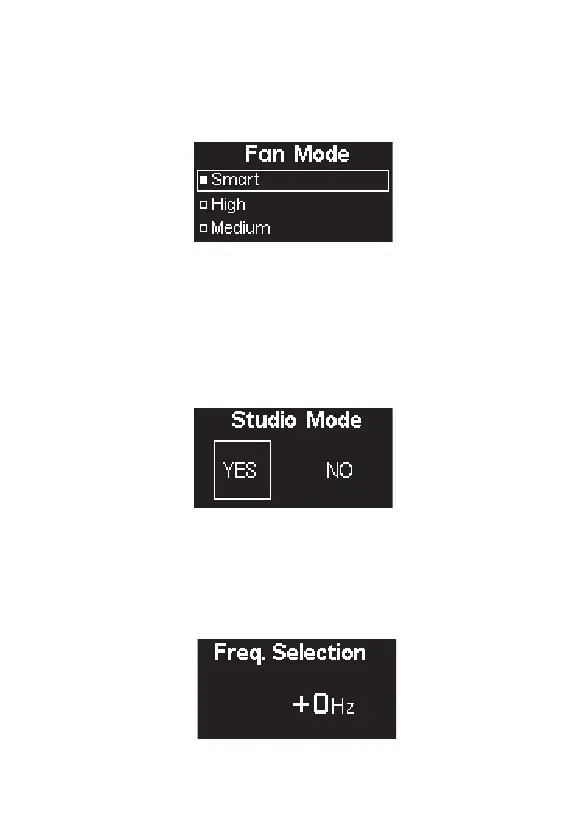
2.3) Fan Mode
2.4) Studio Mode
Press the Menu button to enter the System Menu. Rotate the Knob to select Studio
Mode, and short press the knob to enter Studio Mode. You can then short press the
Knob to toggle the Studio Mode ON or OFF. When Studio Mode is ON, the light will
turn on as soon as it receives power. When Studio Mode is OFF, the power button
must be pressed to turn on the light.
2.5) Freq. Selection
Press the MENU button to enter the system menu, rotate knob to select Fan Mode, and
press the MENU button again to enter Fan Mode. Use the wheel to select between
Smart, High, Medium, Silent, then press the MENU button to confirm your selection.
Press the MENU button to enter the menu interface, rotate the Knob to select and
press to enter Frequency Selection interface. Rotate the Select wheel to adjust the
light frequency by 100Hz every turn.












 To Next Page