-13-
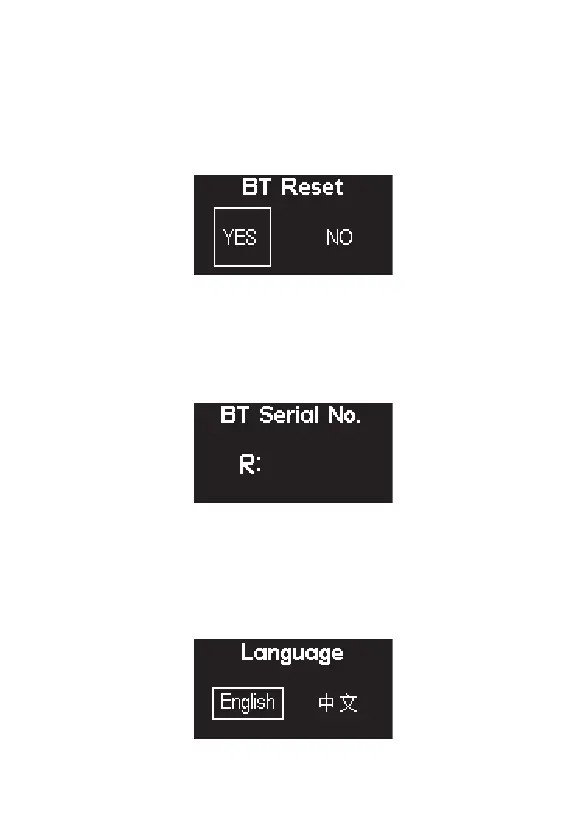
2.8) Language
2.6) BT Reset
Press the MENU button to enter the menu interface, rotate the Knob to select and press
to enter BT Reset. Rotate the control wheel to select "YES"and short press the wheel to
reset the device's Bluetooth pairing or select "NO" to return to the system menu.
After resetting the light's Bluetooth connection, your mobile phone or tablet will be able
to connect to and control the light with Sidus Link App.
2.7) BT Serial NO.
Press the MENU button to enter the menu interface, rotate the Knob to select and press
to view the BT Serial NO.
Press the Menu button to enter the System Menu. Rotate the Knob to select Language,
and short press the knob to enter Language Selection Mode. Use the Knob to select
from the available languages. Initial languages include English and Simplified Chinese.












 To Next Page