-14-
2.9) Update
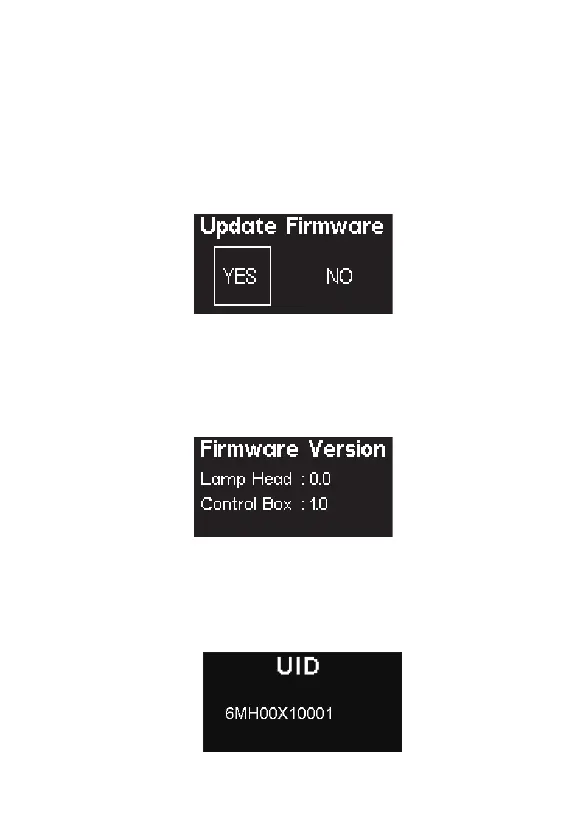
Press the Menu button to enter the System Menu. Rotate the Knob to select Update
Firmware, and short press the knob to enter Update Mode.
By selecting Update Firmware, you can update the fixtures existing firmware, by
inserting a compatible USB drive, formatted to FAT16/32, with the new firmware files.
You can also update the device's firmware using the OTA firmware update function
built into Sidus Link.
2.10) Firmware Version
Press the MENU button to enter the menu interface, rotate the Knob to select and
press to view the current firmware version of lamp head and control box.
2.11) UID
Press the MENU button to enter the menu interface, rotate the Knob to select and press
to view the fixture UID.












 To Next Page