3) The Lighting Button can be used to return to the main lighting interface
in from any menu.
4) The Effects button can be used to enter the Effects interface from any
menu.
-16-
* In the Explosion Effect, short press the Effects button to trigger the effect.
* If the light is powered off, upon turning on again, the light resumes its last saved
setting.
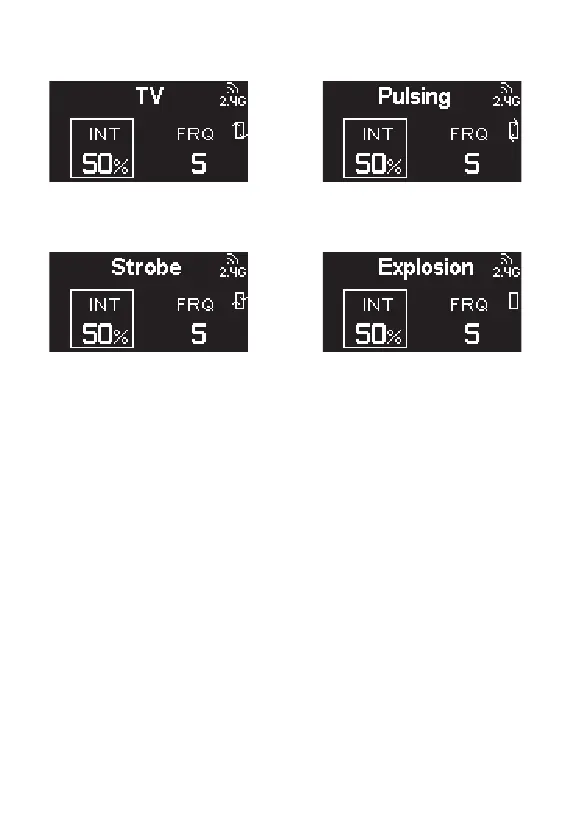
e. TV Effect
g. Strobe Effect
f. Pulsing Effect
h. Explosion Effect












 To Next Page