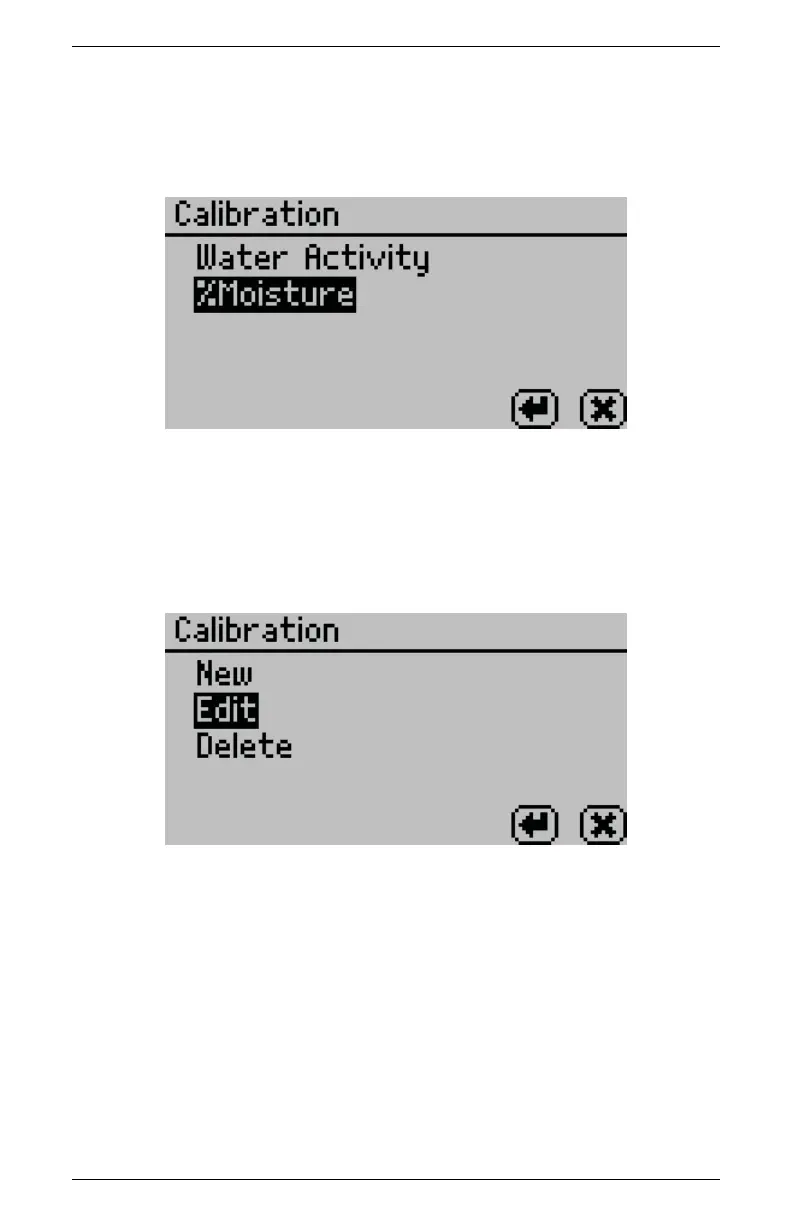
AquaLab 10 DUO OPERATION (OPTIONAL)
AquaLab DUO and select %Moisture from the list of calibra-
tion types.
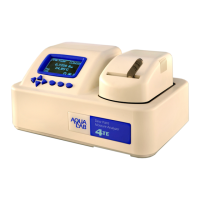
4. Select Edit to edit and replace an existing model. Select New
if you would like to create a new offset model with this cali-
bration instead of replacing the existing model. Pressing Enter
opens a model screen listing all models currently loaded on the
instrument.
5. Scroll down to find the model for the product to be offset and
press Enter. If you selected New, choose a reference model to
use as a basis for your new model.
63



 To Next Page