AquaLab 10 DUO OPERATION (OPTIONAL)
9. Let the chamber air out for at least an hour and then measure
the sample again in normal sampling mode. It should now read
the corrected moisture content value you provided in the pre-
vious step.
If your moisture content readings are still inconsistent, contact Decagon
by e-mail at support@aqualab.com or by phone at 509-332-5601 for
further instructions. If you purchased your AquaLab Instrument
from one of our international distributors, please contact them for
local service and support.
10.6 Restore Moisture Content Settings
To restore the original model settings, do the following:
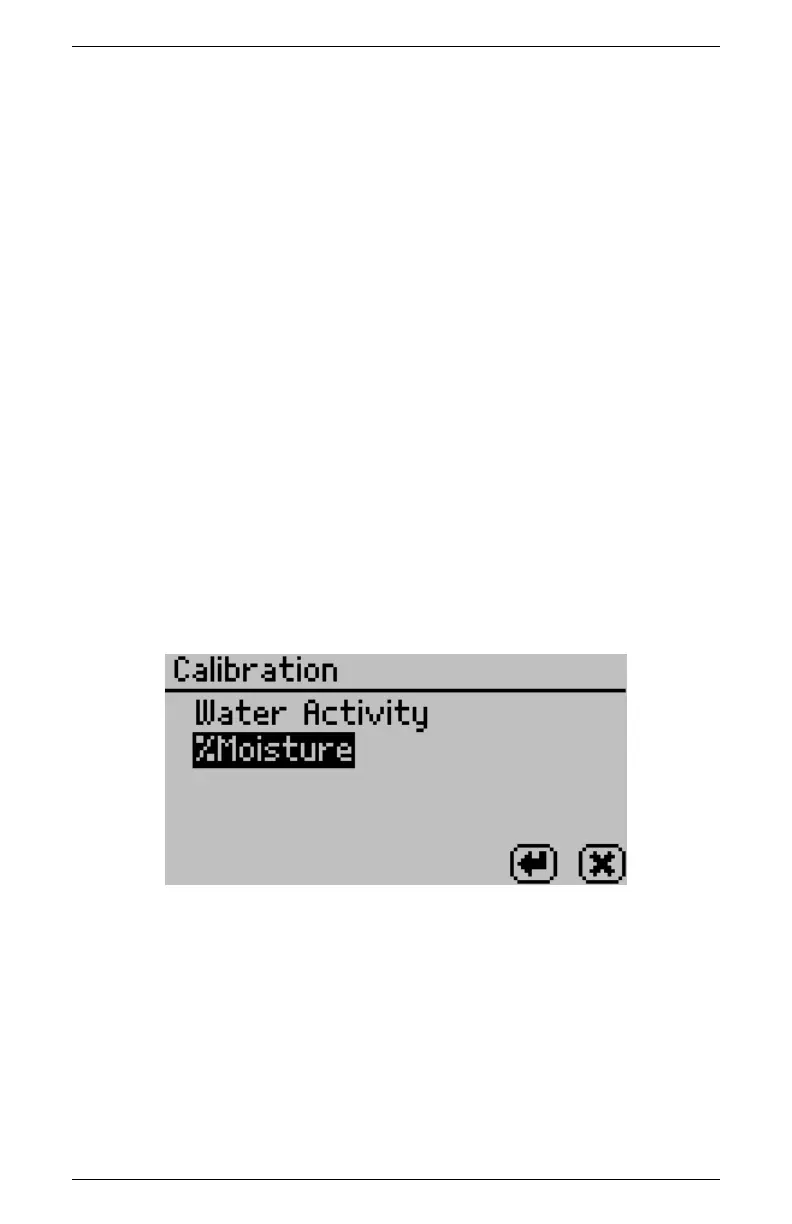
1. Navigate to the calibration screen in the Configuration tab of
the AquaLab DUO and select %Moisture from the list of cali-
bration types.
Note: If you do not see %Moisture as an option you may not
have a DUO model or you may not have any models installed.
2. Scroll down to Edit and press the Enter button.
65



 To Next Page