18
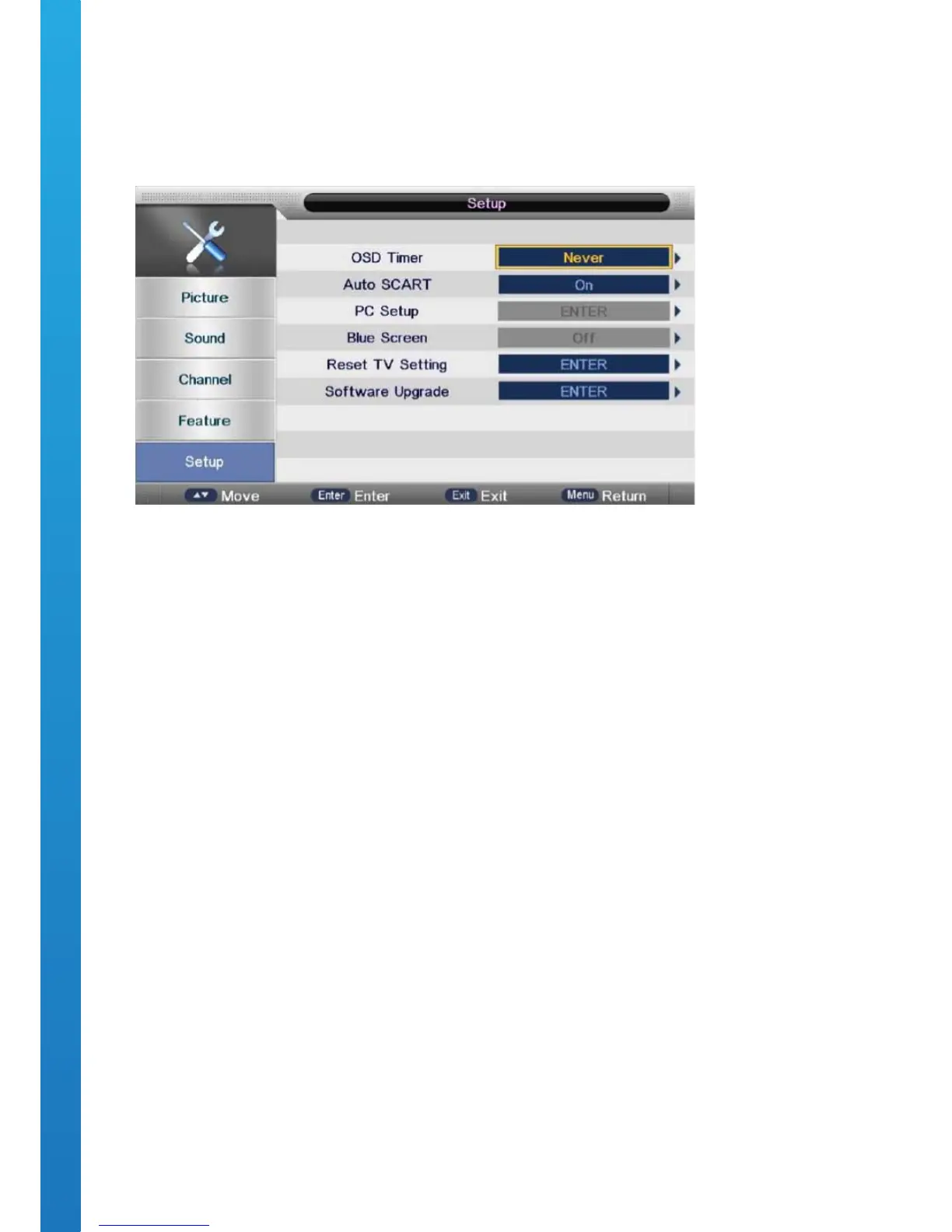
OSD Menu User Guide - 1.5 Setup Menu
Press the MENU button to display the main menu.
Press ▼ / ▲ buttons to select SETUP in the main menu.
Press ▼ / ▲ buttons to select the option that you want to adjust.
Press ◄ / ► buttons to adjust.
After completing the adjustment, Press the MENU button to save and return back to the previous menu.
OSD TIMER
Press ▼ / ▲ buttons to select OSD Timer, then press the OK button to enter sub-menu.
Press ▼ / ▲ buttons to select. Available OSD Timer options: 5secs, 10secs, 15secs, 20secs, 25secs & 30secs.
BLUE SCREEN
Press ▼ / ▲ buttons to select Blue Screen, then press the OK button to select either On or O.
RESET
Press ▼ / ▲ buttons to select Reset, then press the OK button to enter a dialogue.
Press ◄ button selecting Yes to restore to factory settings by choosing OSD language, Country and Conducting
Channel Tuning.
SOFTWARE UPGRADE (USB)
Press ▼ / ▲ buttons to select USB Software Update, then press the OK button to update the software by via
the USB PORT.



 To Next Page