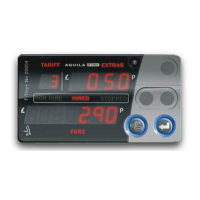
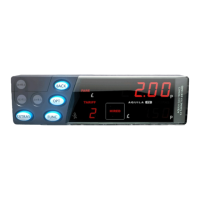
5 The User Menus
The T-TINY’s user menus allow:
Information to be read out of the meter, including the totals information
Certain functions of the meter and meter/vehicle interface to be tested
Certain features of the meter to be enabled, disabled or configured
The User Menus are available when the T-TINY is in FOR HIRE or STANDBY
modes. To access the menu system, press the MONEY button in either of
these modes (see Sections 3.1 and 3.2).
The User Menus include the following sections:
Section Description
Totals Allows access to read the meter’s totals information. The
meter’s totals may also be configured and reset in this
section.
Print Out This section is available if the T-TINY has a receipt program
in place, and is used to print out receipts on an optional
printer.
(This option is not available on the T-Micro, as it does
not support receipt printers)
Info Allows access to various “Information” items and settings.
To move between the sections, press the MONEY button.
To select one of the sections, press ENTER
To move between the sub-menus, press MONEY
To back out of an item, press MONEY for 2 seconds. To exit completely,
press MONEY for 2 seconds repeatedly.
If no button is pressed for a continuous period of 10 seconds or 30 seconds
(depending on the tariff program), the T-TINY automatically leaves menu
system and goes back to the previous mode.
Most of the menu items also time-out in a similar way.
10
Press MONEY


 To Next Page
 Loading...