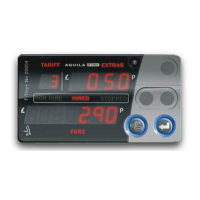
Press EXTRAS to add
extras. Hold EXTRAS
down and press BACK to
clear extras (if allowed in
tariff)
Press ENTER to
start the journey (go
to HIRED MODE)
FOR HIRE
MODE
HIRED
MODE
STOPPED
MODE
STANDBY
MODE
STOPPED
MODE
(SHOWING
TOTAL FARE)
Press ENTER to turn the meter on
and get ready for the first journey (go
to FOR HIRE mode).
Press ENTER to end the
current job, clear the
display, send details to the
totals memory and get
ready for the next journey
(go to FOR HIRE mode)
Press ENTER to end
the journey (go to
STOPPED mode)
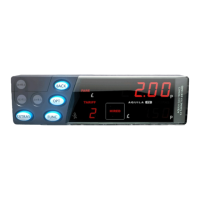
Hold down MONEY
and press ENTER to
add the Fare+Extras.
Press again to
separate them.
Press MONEY to add
extras.
Press MONEY to add
extras
Basic Operation of the T-TINY


 To Next Page
 Loading...