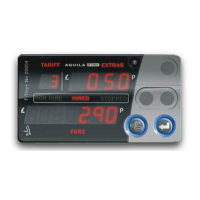
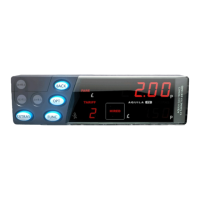
3 Operating Modes
3.1 Standby Mode
When the T-TINY is first powered up, it enters STANDBY mode. The
display is completely blank except for a dash which appears in the Rate
Digit if the vehicle moves.
Access to the User Menu system is available from Standby mode. (See
section 5)
Optional Feature: A time of day clock may be displayed for 30 seconds if
the vehicle moves.
Button functions:
In certain circumstances, error messages may be displayed when first
powering up the T-TINY.
4
Press ENTER to enter
FOR HIRE mode
Press MONEY to
enter the User
Menu System


 To Next Page
 Loading...