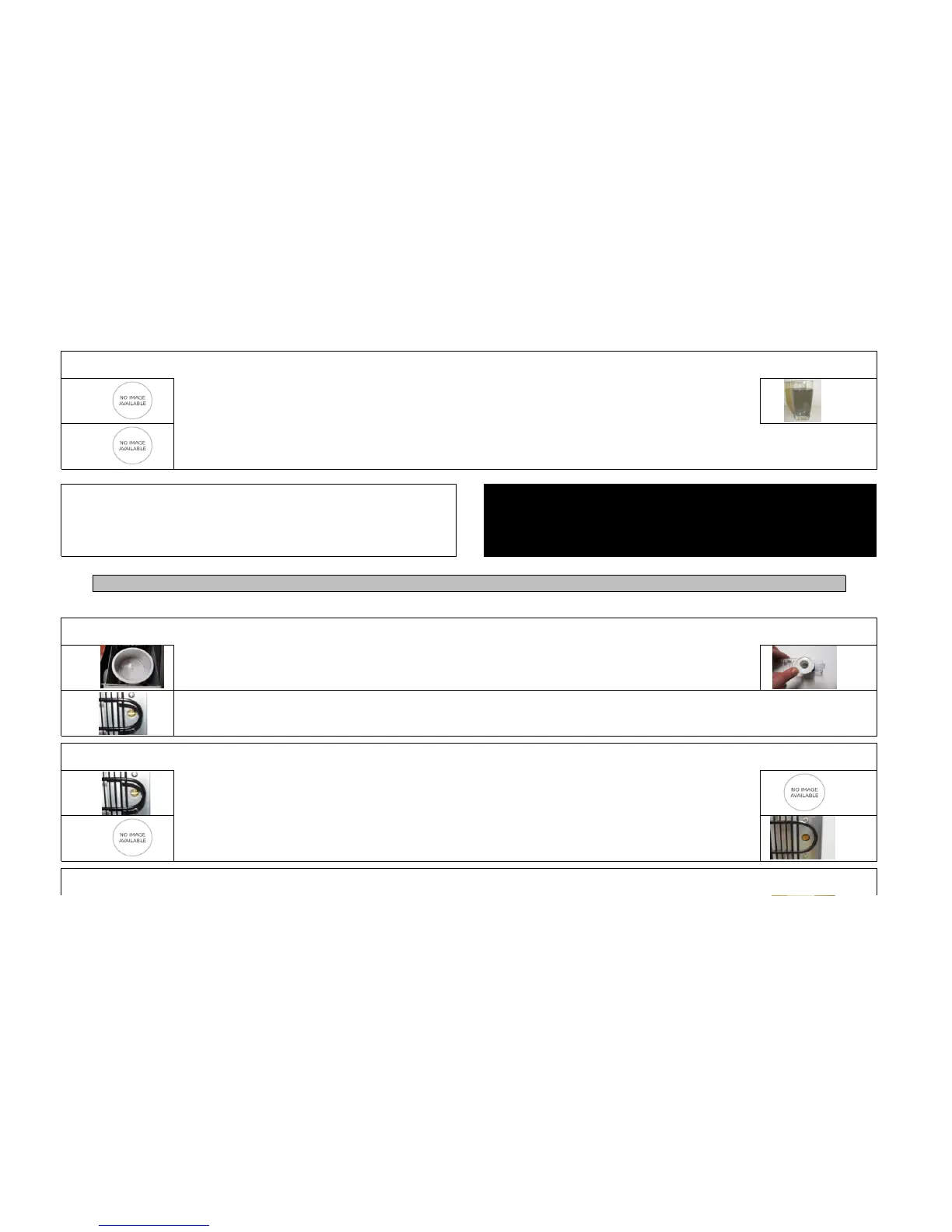
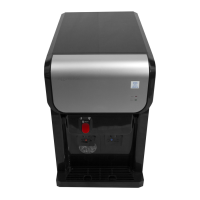
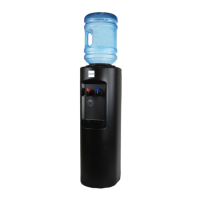
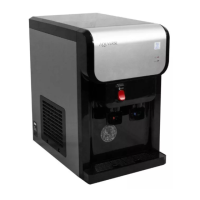
Flushing the Filter
STEP 1
There is no danger in drinking the water with the carbon residue discoloring the liquid, however for the
freshest tasting and looking water it is beneficial to flush the system.
NOTE
STEP 2
Begin Using Your Cooler
Cooler Is Not Dispensing any Water
STEP 1
Check faucets to determine if water is blocked by any obstructions
STEP 3
STEP 2
Cooler is dispensing water but it is not chilled
STEP 1
If compressor is not functioning, call 1-866-872-5722 to receive additional support
Turn the thermostat a 1/3 turn clockwise to resemble the picture shown
STEP 4
Cooler is dispensing water but it is not Hot
To do this please flush two gallons (approximately 10 glasses of water) through the cooler until the water is
clear in color
You may begin to use the cooler immediately however it can take approximately 1 hour for the cold tank, and hot tank to take effect and chill or heat the
water in your cooler
Only if your cooler has frozen turn the cold water thermostat down by turning a 1/4 turn counter clockwise.
Check that cold water thermostat is not turned to the off position (picture shows thermostat in factory set
"ON" position. The "OFF" position would be a 1/3 turn counter clockwise
WARNING: YOU MUST OBSERVE ALL LOCAL GOVERNING CODES AND ORDINANCES
Wait a minimum of 30 minutes after you turn on the water source before plugging in filter
Determine whether the compressor is working by putting your ear close to the top of the cooler (if you hear
silence, the compressor is not working, if you hear a humming noise the compressor is working)
You must flush water through the filter to wash excess carbon out before drinking (this is commonly referred
to as priming the filter, and is required)
Confirm that cooler is not frozen by checking inside water tank, and determining if water is frozen. If frozen
unplug the water cooler and let thaw, then proceed to the next step. If your cooler is not frozen skip ahead to
step 3


 To Next Page