Revision Date – 22/12/2014 page 55
9.11 Light housing - Replace
Disconnect all power leads from the back of the
fridge.
Position basket to provide access to the light
housing. This may require removing the basket.
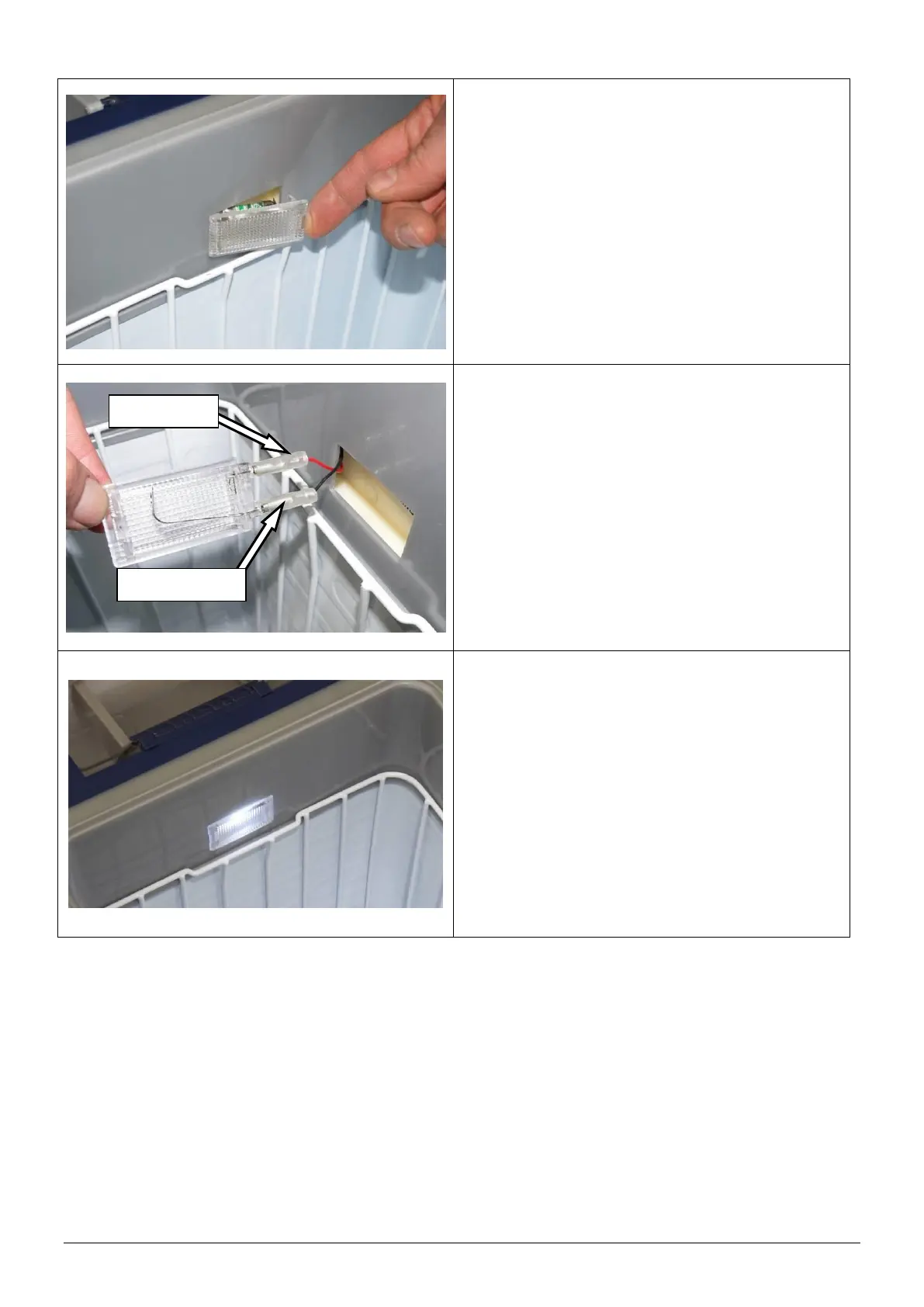
Remove the transparent light housing from
internal case of the fridge.
HINT: Place your finger under the lip of the
light housing and ease it away from the
internal case of the fridge.
Remove the light globe.
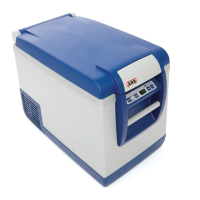
Disconnect positive (+ve) and negative (-ve)
terminals from the light housing.
Discard the light housing.
Connect the positive and negative terminal to the
new light housing.
NOTE: The positive and negative terminals
can be connected to either terminal.
Refit the light globe. Ensure the LEDs inside the
bulb are facing the transparent face of the light
housing.
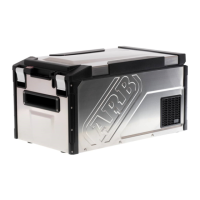
Test that the light functions correctly.
Reinstall the light assembly into the body of
fridge.


 To Next Page