USER MANUAL ARC
LAST UPDATED: 6/01/2017 17
Installation of the handlebar components on this system is fairly simple as there
is only one component that you are required to install onto the handlebars.
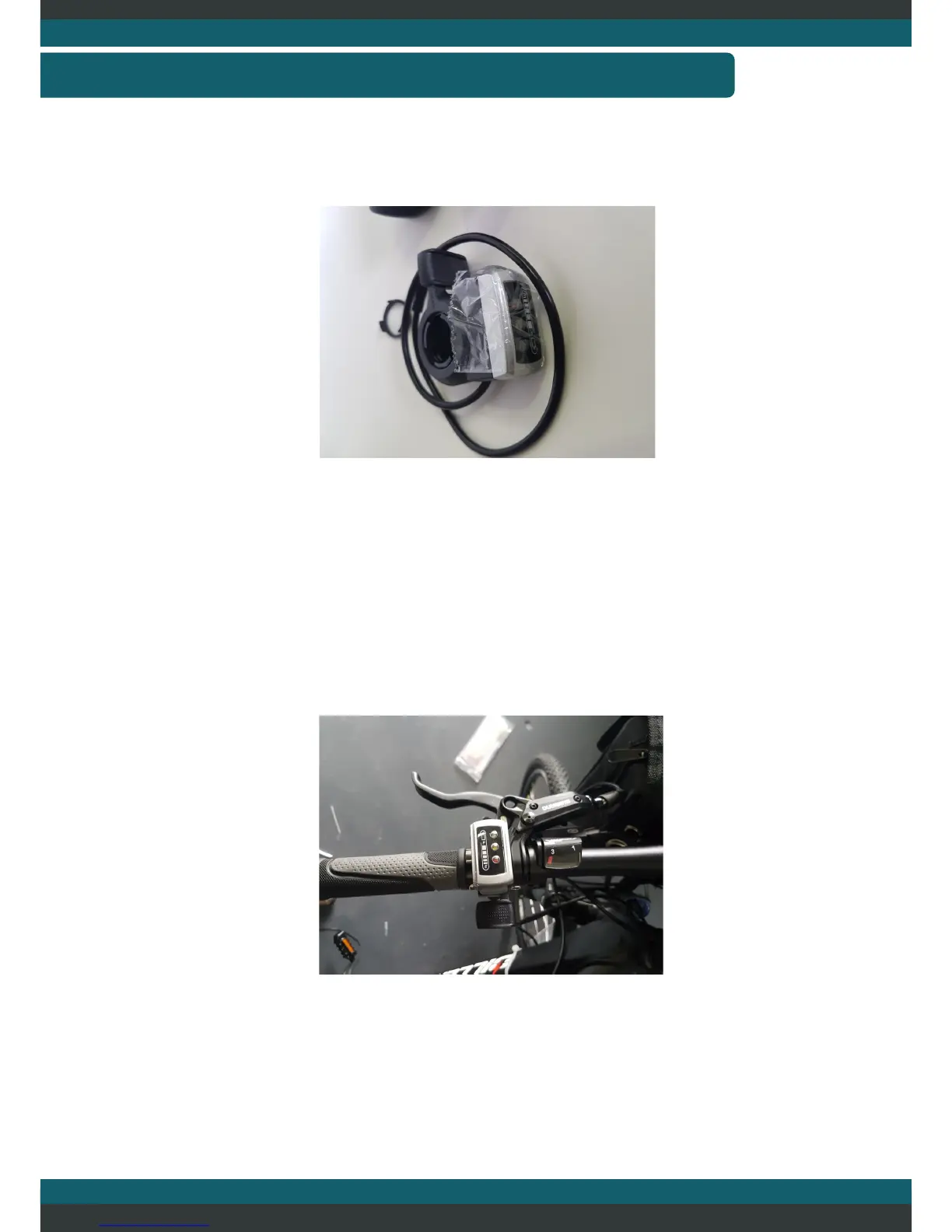
Installation of this battery display/thumb throttle can be easily completed by
removing one side of the handlebars components and slide the thumb throttle into
the position that is most suitable for yourself. There is a small allen key on the
bottom side of the throttle that tightens the device to the handlbars once the best
position has been found. Ensure that the place wash is inserted as well. This
prevents the thumb throttle from getting stuck on other components on the
system.
Finally plug in the green plug into the green plug on the battery bag. Ensure that
you line up the arrows on the plug to prevent any damaged pins. The nal
handlebar should look similar to that pictured above.
ASSEMBLY—HANDLEBAR COMPONENTS



 To Next Page