20
Periodic check
Check periodically whether inner circuit connection is in good condition (esp. input
plugs or other components). Tighten the loose connection. If there is any
oxidization, remove it with sandpaper before reconnect them.
Check periodically whether the insulating layer of all cables is in good condition. If
there is any dilapidation, rewrap it or replace it.
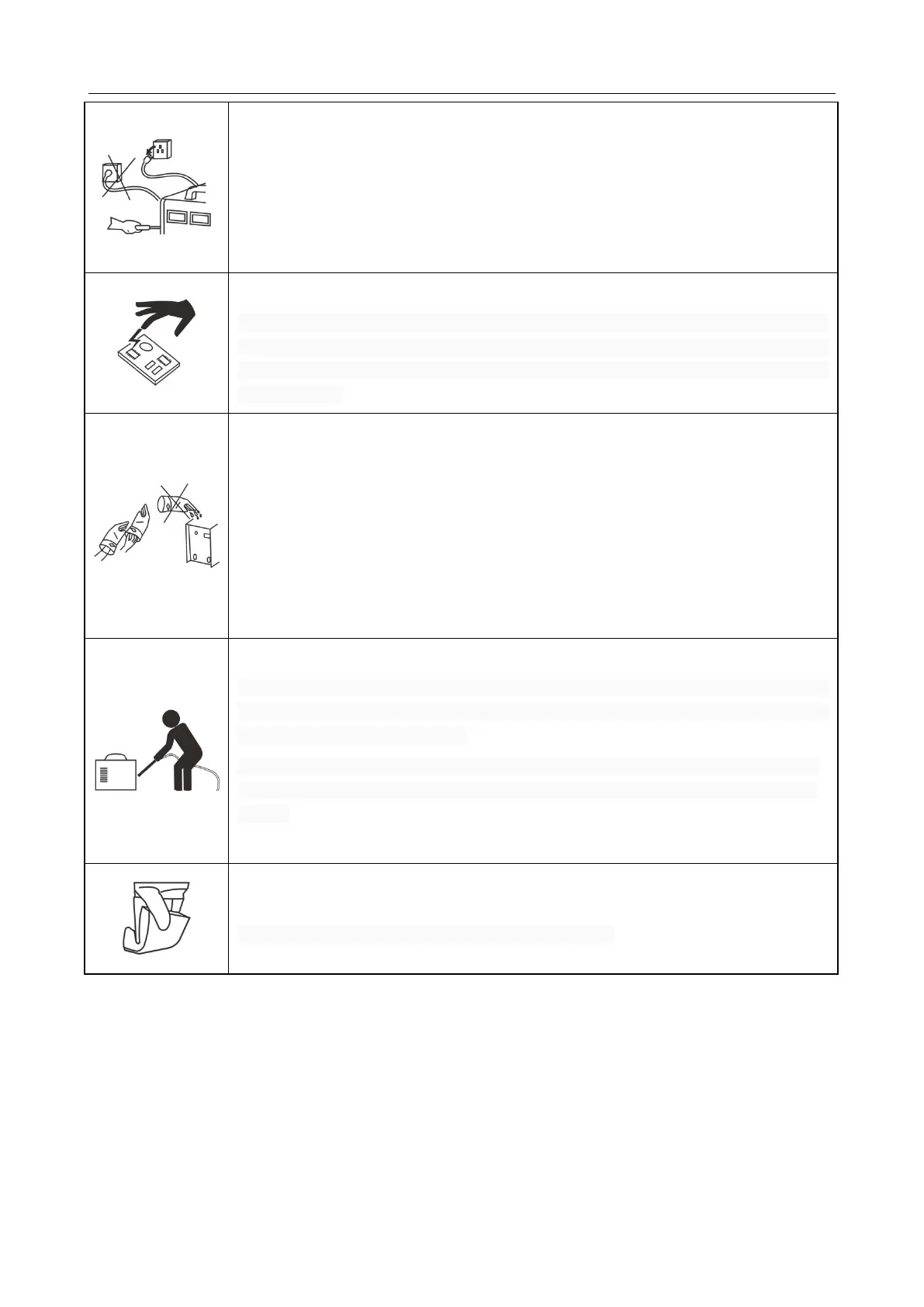
Beware of static
In order to protect the semiconductor components and PCBs from the static
damage, please wear antistatic device or touch the metal part of the enclosure to
remove static before any contacting with the conductors and PCBs of the machine
internal wiring.
Keep it dry
Avoid rain, water and vapor infiltrating the machine. If there is any damp, dry it and
check the insulation of the welding machine (including all wires connections and
connections with the enclosure) with an ohmmeter. Only after the confirmation of
no abnormity, w, can the machine be used.
Put the machine into the original packing in dry places if will not be used for a long
time.
Pay attention to maintenance
Periodic check should be carried out to ensure the long-time well operation of the
machine. Be careful when doing the periodic check, including the inspection and
cleaning of the machine interior.
Generally, periodic check should be carried out every 6 months, and it should be
carried out every 3 months if the welding environment is dusty or with heavy oily
smoke.
Beware of corrosion
Please clean the plastic parts with neutral detergent.
Digital Welder Expert, Know You More
https://www.arccaptain.com



 To Next Page