Hardware Installation
2-5
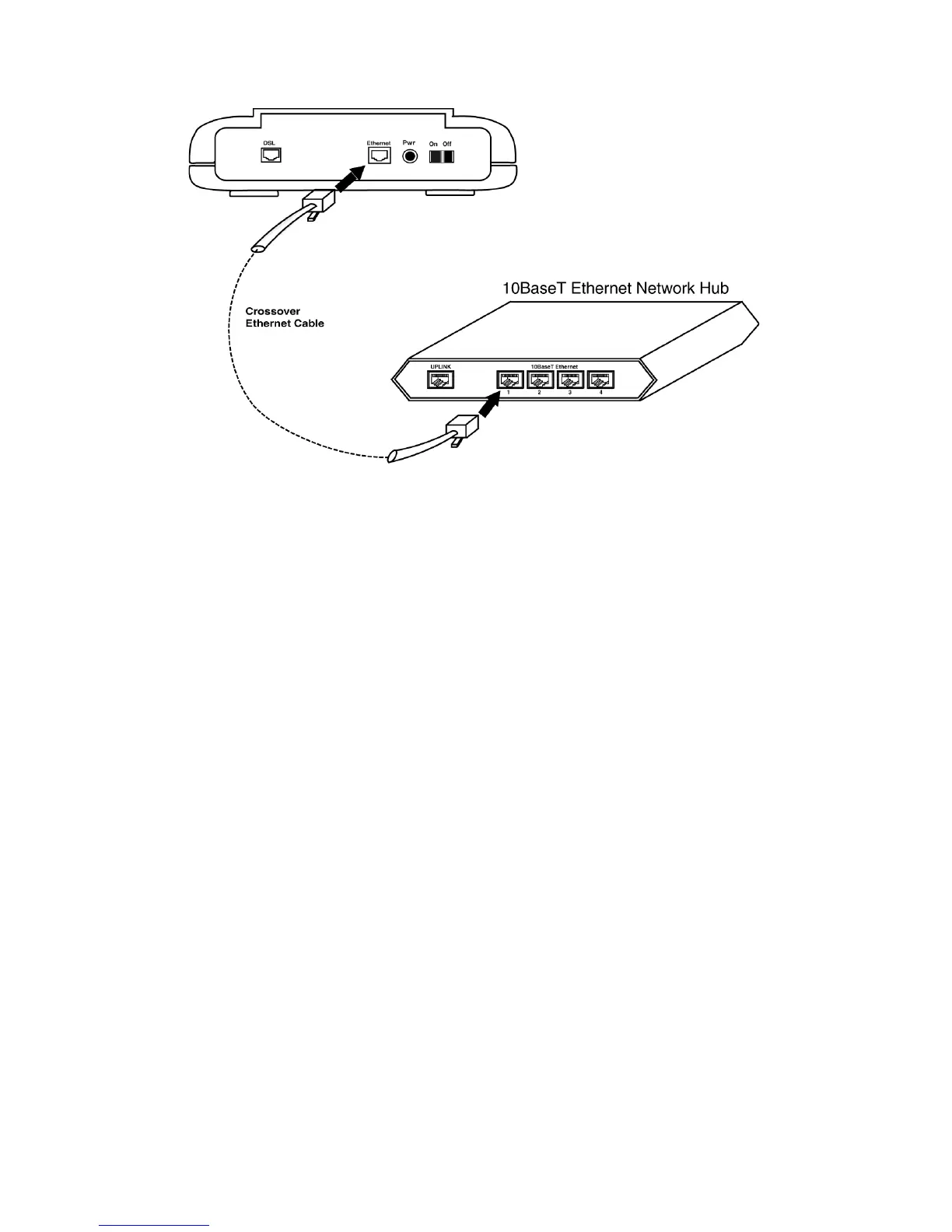
ports on a hub.
Figure 2.5 Connecting to the Non-Uplink Port on a
Network Hub
Step 4. The LAN LINK LED on the front panel should be lit green to indicate a
valid Ethernet connection. If the LAN LINK LED is not lit, then repeat
steps 1 through 3.
Note:
See Appendix B Ethernet Cable Pinout for further information about the
differences between a straight-through cable and a crossover cable.



 To Next Page