Tools Feature
7-3
7.2 Reset Router/Bridge
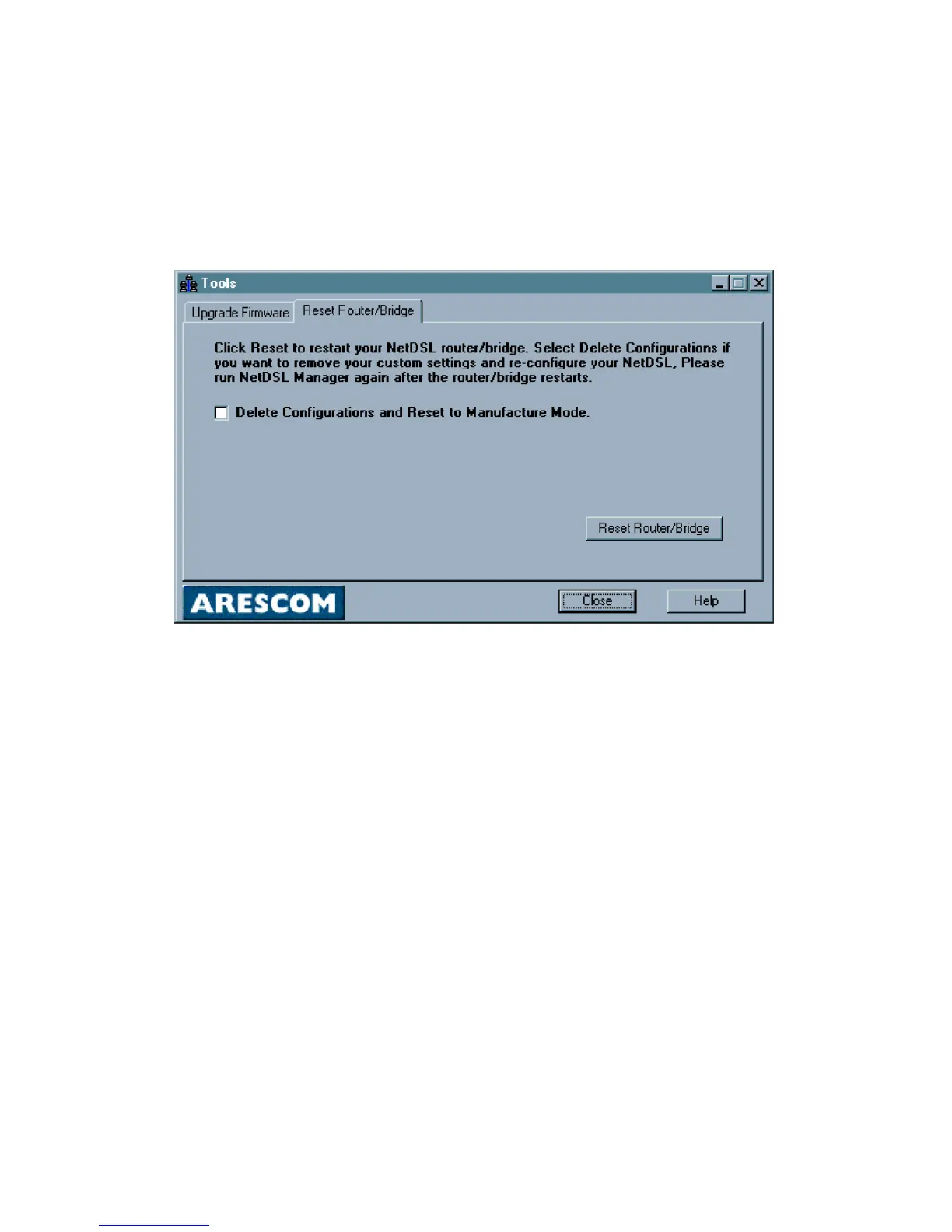
Click Tools in the NetDSL Manager, and then select the Reset Router tab.
You can reset your modem from the Reset Router tab. Select the Delete
Configurations and Reset to Manufacture Mode checkbox if you want to remove
all your custom settings while resetting your modem. Otherwise, if you do not
select the checkbox, the modem will simply reboot.
Figure 7.2 Reset Router
If you have deleted your custom configuration, you will need to re-configure
your modem after it reboots. Remember, internet working connectivity is not
possible with an unconfigured modem. To reconfigure your parameters, return to
Configuration in the NetDSL Manager.



 To Next Page