Installing the Software Drivers
3-6
NetDSL Software User’s Guide
3.11 Installing the Software Drivers
Your PC should have detected the USB to Ethernet as soon as the USB cable is
plugged in. The following instructions will help you complete the USB
installation procedure.
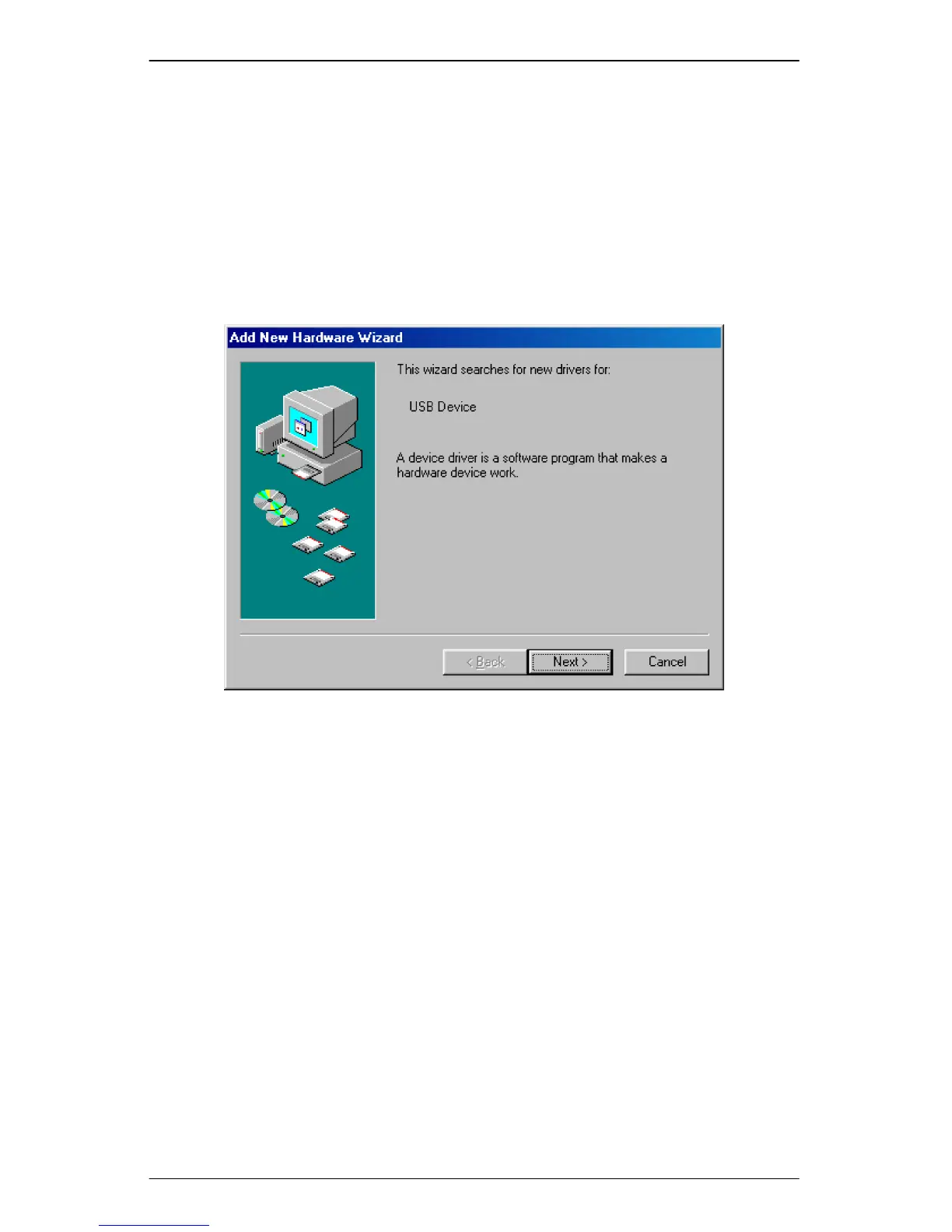
Step 1. After your PC detects an USB connection, a message window appears
to indicate that the software driver installation process is about to begin.
Click Next to start the installation process.
Figure 3.1 USB Installation Step 1
Step 2. The next message window prompts the question “What do you want
Windows to do?” Select the first option “Search for the best driver for
your device. (Recommend)” and click the Next button.



 To Next Page