Status Feature
6-4
NetDSL Software User’s Guide
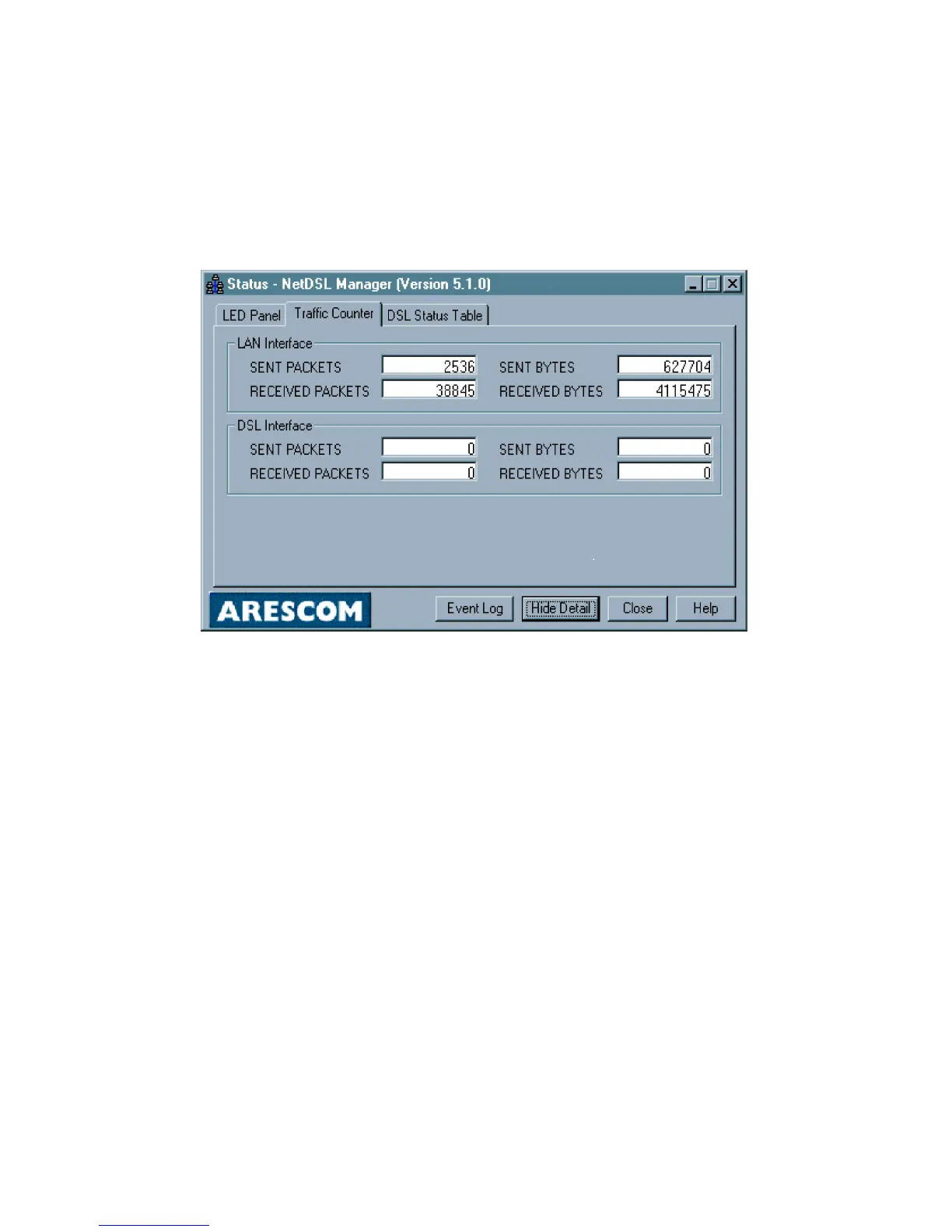
6.3 Traffic Counter
From the NetDSL Manager click on the Status icon, click on the Show Details
button, and then select the Traffic Counter tab.
The Traffic Counter tab displays real-time data traffic counters for the LAN
interface and the DSL interface. For each interface, cumulative totals are
displayed for Sent Packets, Received Packets, Sent Bytes, and Received Bytes.
Figure 6.4 Traffic Counter Tab in Status
To return to the Main Status panel, click the Hide Details button. To exit Status
and return to the NetDSL Manager, click the Close button.



 To Next Page