Hardware Installation
2-8
NetDSL Software User’s Guide
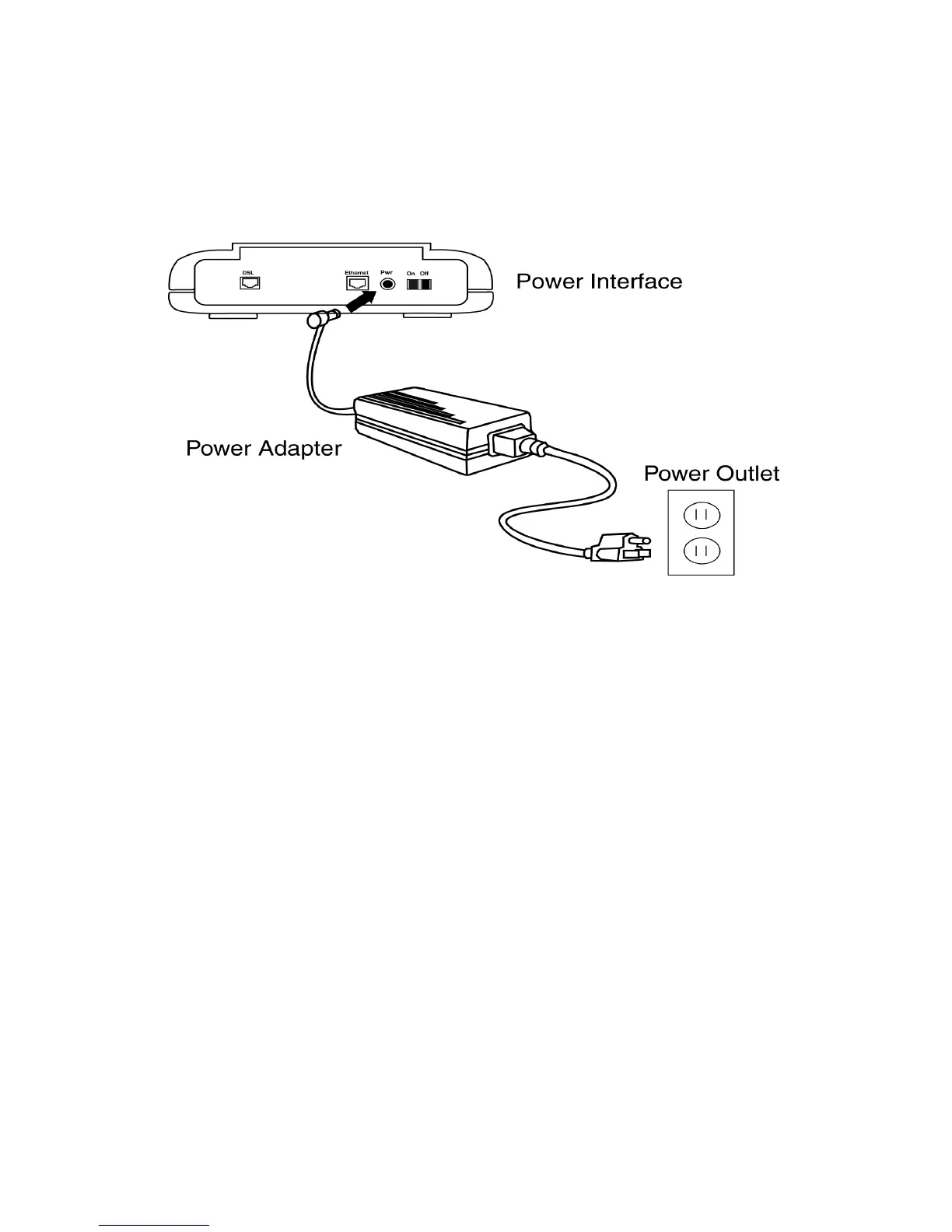
2.7 Connect to Power
Step 1. Plug the power adapter in the Power interface of the NetDSL.
Step 2. Connect one end of the power cord to the power adapter, and insert the
other end of the power cord to the power outlet on the wall.
Step 3. To activate the NetDSL, turn the ON/OFF switch to ON.
Figure 2.8 Connecting to a Power Supply



 To Next Page