Hardware Installation
2-6
NetDSL Software User’s Guide
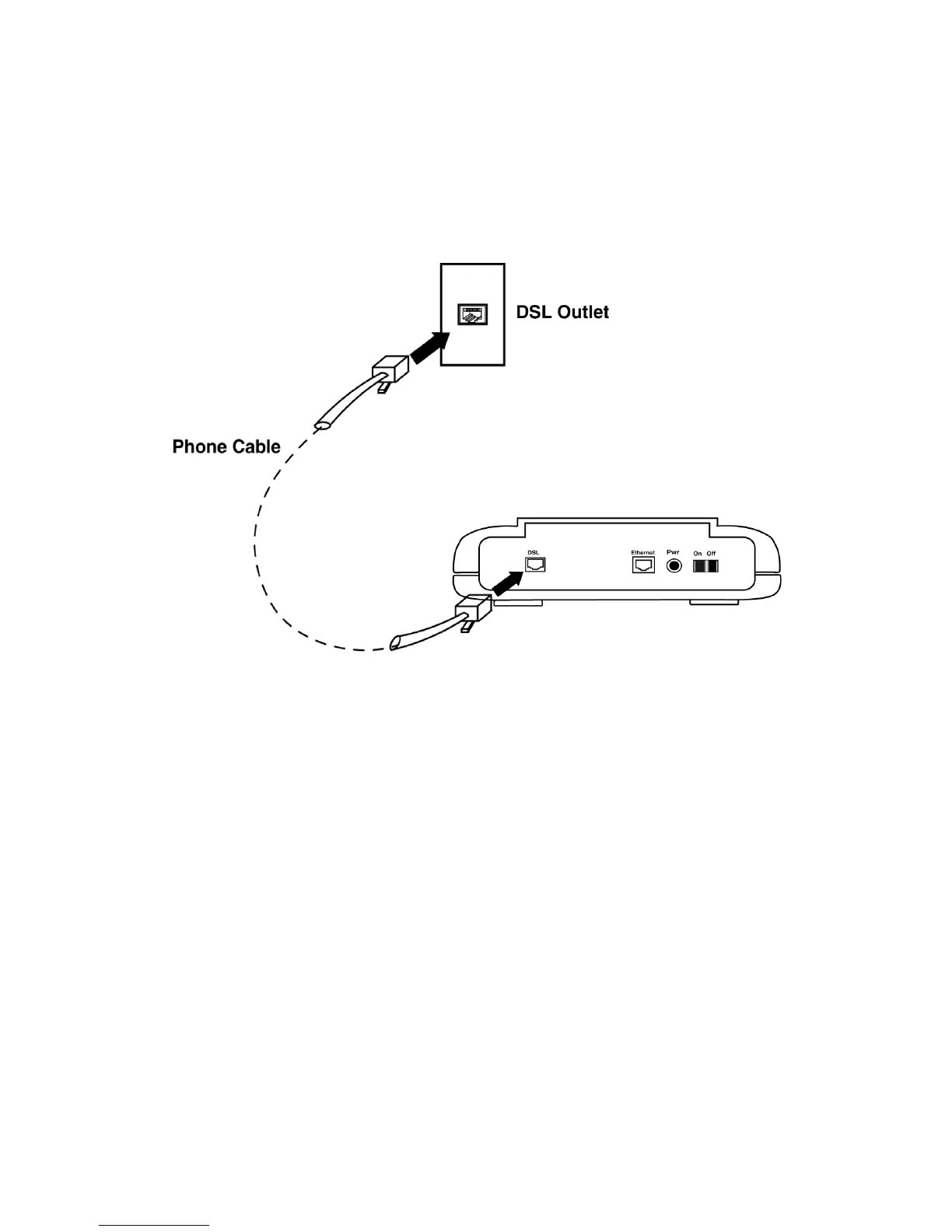
2.5 Connect to the ADSL Interface
Step 1. Plug the RJ-11 connector end of the ADSL phone cable (included) in
the DSL interface of the modem. The ADSL phone cable is provided
(RJ-11 to RJ-45).
Step 2. Connect the RJ-45 connector end of the ADSL phone cable to the
ADSL outlet on the wall.
Figure 2.6 Connecting the DSL Interface



 To Next Page