Hardware Installation
2-7
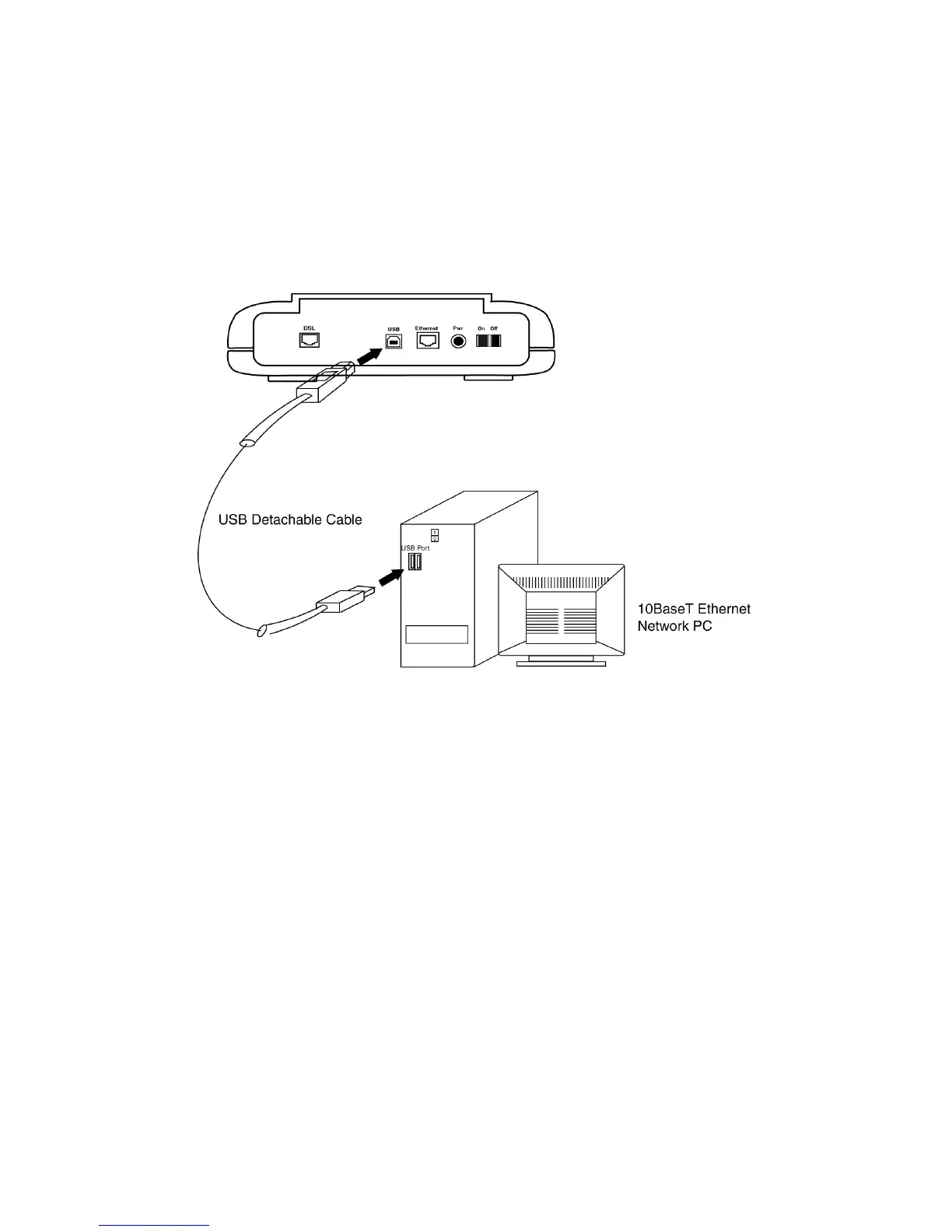
2.6 Connect to the USB Interface
Step 1. Plug the Type-B (square-shaped) end of the USB detachable cable
(included) into the USB port of the modem.
Step 2. Plug the Type-A (flat-shaped) end of the USB detachable cable into the
USB port of your PC.
Step 3. Do not turn on the power switch until software installation is
complete. Proceed to Section 3.11 “Installing the Software Drivers.”
Figure 2.7 Connecting to the USB Interface



 To Next Page