Installing the Software Drivers
Software Installation
3-7
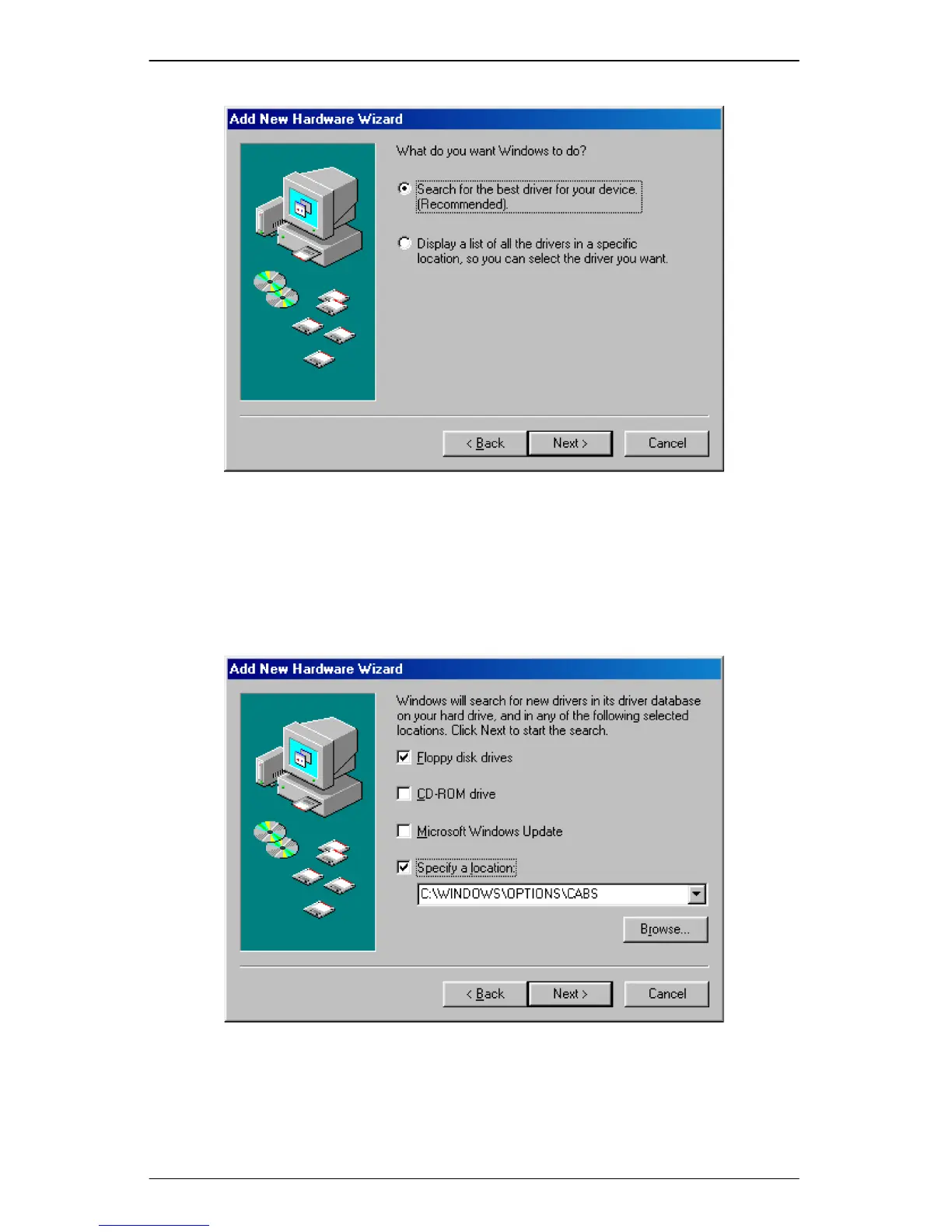
Figure 3.2 USB Installation Step 2
Step 3. Now you need to select where you would like Windows to search for the
proper files. Insert the included CD or floppy disk into either your CD-
ROM or floppy disk drive. Select the appropriate options for CD or
floppy disk, and click the Next button to continue.
Figure 3.3 USB Installation Step 3
Step 4. Windows is now reading your CD to search for the proper files. Once
the files are located, a message window appears to indicate that
Windows has found the files for your device. Click on the Next button to



 To Next Page