Installing the Software Drivers
Software Installation
3-9
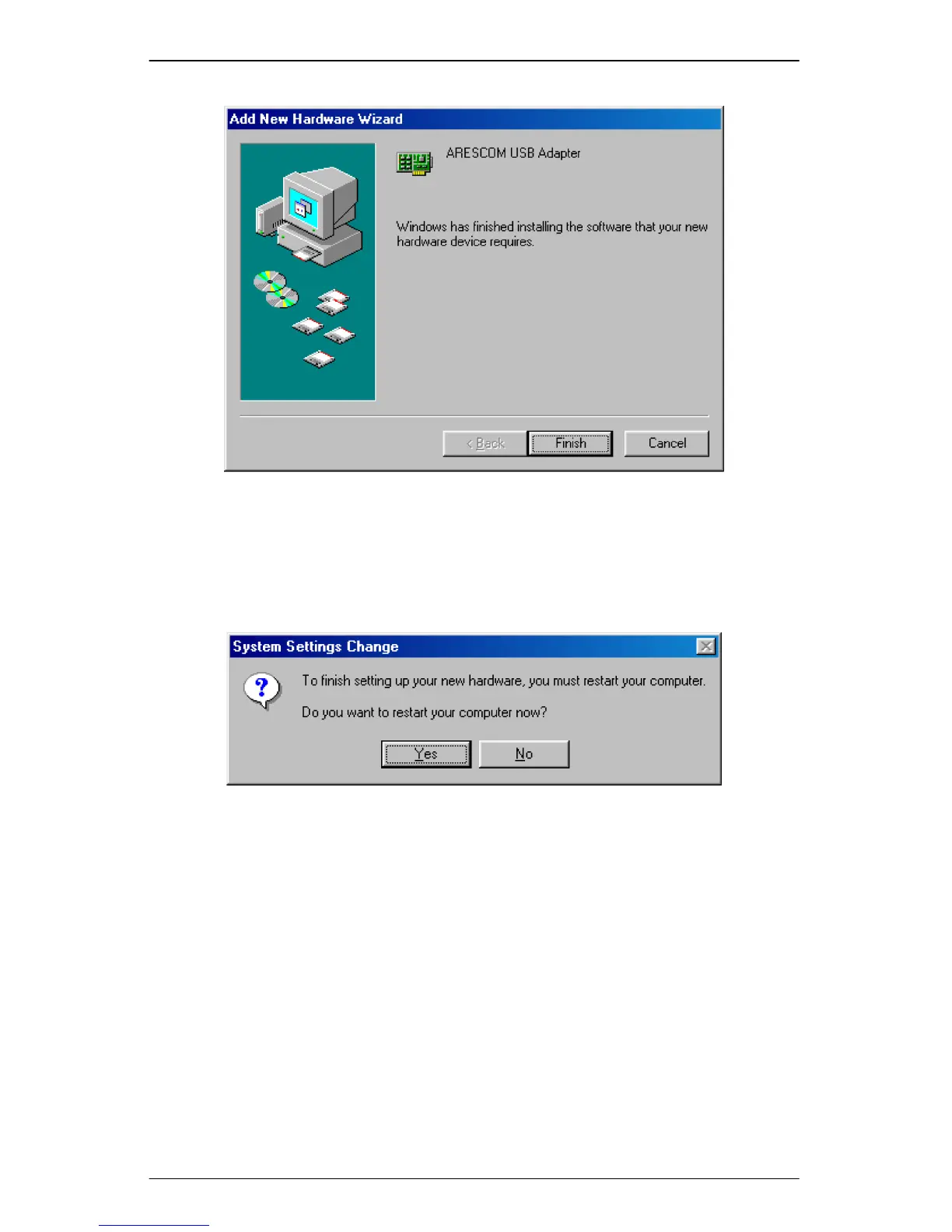
Figure 3.5 USB Installation Step 6
Step 7. Windows prompts the next message to ask you to restart your computer.
Click Yes to reboot your system. This is highly recommended for your
PC to properly recognize the new network settings.
Figure 3.6 USB Installation Step 7
Congratulations!!! You have successfully installed your NetDSL using USB. The
USB LED on the front panel should be lit yellow to indicate a valid USB
connection.



 To Next Page