Status Feature
6-2
NetDSL Software User’s Guide
window.
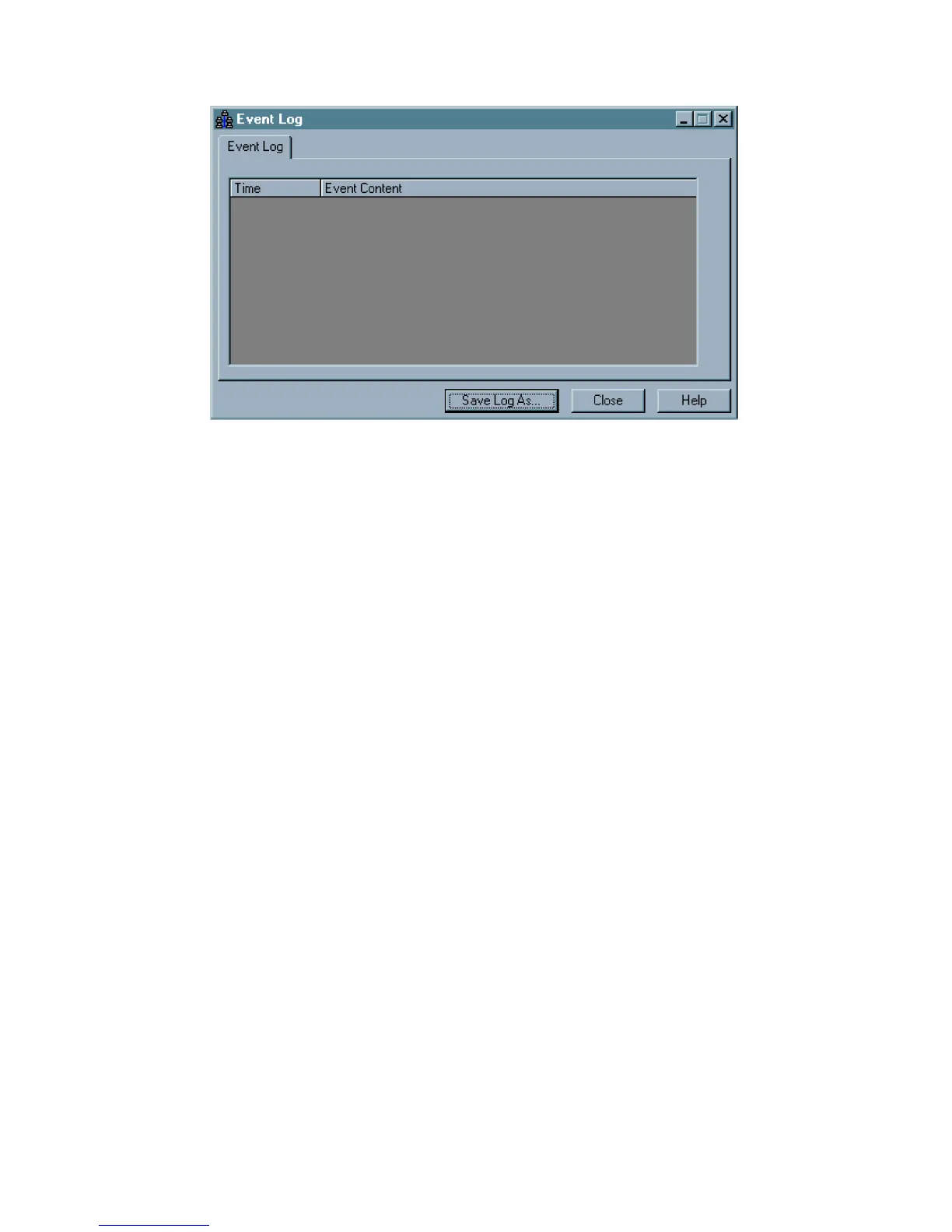
Figure 6.2 Event Log in Status
The Event Log helps you pinpoint the date and time a connectivity problem
occurred. Every time you close Status the Event Log will reset. If you want to
save the contents of the log you may do so by clicking on the Save Event Log
button and saving the file to your computer’s hard drive or to a 3.5” floppy disk.
To close the Event Log, click the Close button. To exit Status and return to the
NetDSL Manager, click the Close button.



 To Next Page