Operation Instructions
10
[Notes]
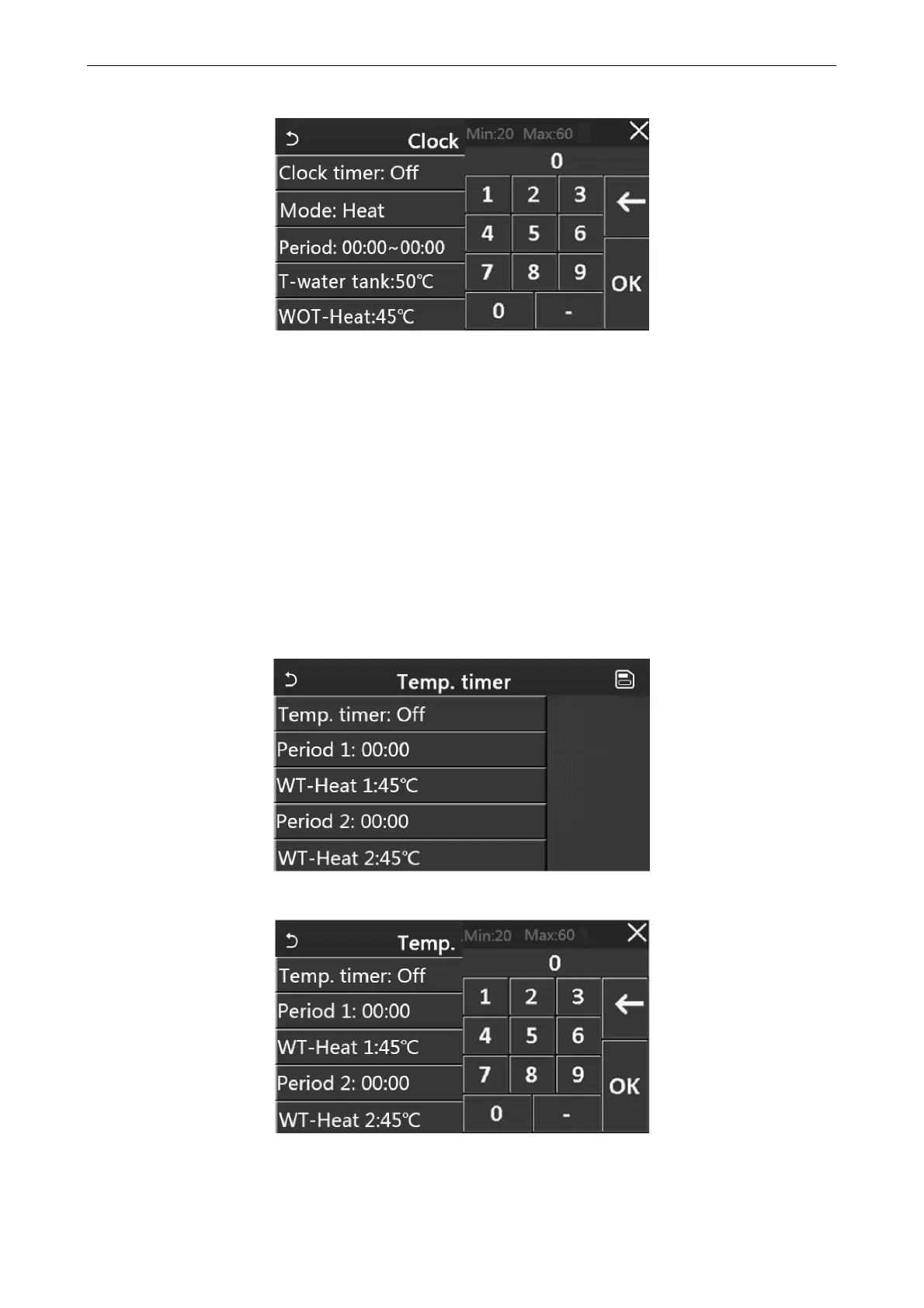
When “Clock timer” has been set and “Hot water” mode is involved, in this case, if “Water tank” is changed to
“Without”, “Hot water” will be automatically switched to “Heat”, and “Cool/Heat + Hot water” will be switched to
“Cool/Heat”.
When “Weekly timer” and “Clock timer” have been set at the same time, the priority will be given to the former.
When the water tank is available, “Heat”, “Cool”, “Hot”, 'Heat + Hot water”, and “Cool + Hot water” are allowed;
however, when the water tank is unavailable, only “Heat” and “Cool” are allowed.
When the end time is earlier than the start time, this setting is invalid.
Water tank temperature can be set only when “Hot water” is involved in the operation mode.
The setting of “Clock timer” only works once. If this setting is needed again, it should be set again.
It will be deactivated when the unit is turned on manually.
This function will be memorized upon power failure.
2.2.11 Temp. Timer
At the function setting page, access to the “Temp.timer” setting page.
At the “Temp.timer” setting page, it can be set to “On” or “Off”.
Select “Period 1”/” Period 2” and a window will pop up, where time period can be set. Then select "WT-Heat1/ WT-
Cool 1/2” and also a window will pop up where temperature can be set.



 To Next Page